Clients pick a slot
A clean public page with your available times. Booked slots disappear automatically.
Start with a working booking page: clients pick a time slot and leave their details, and you get a private, sign-in-protected list of upcoming bookings.
Build this app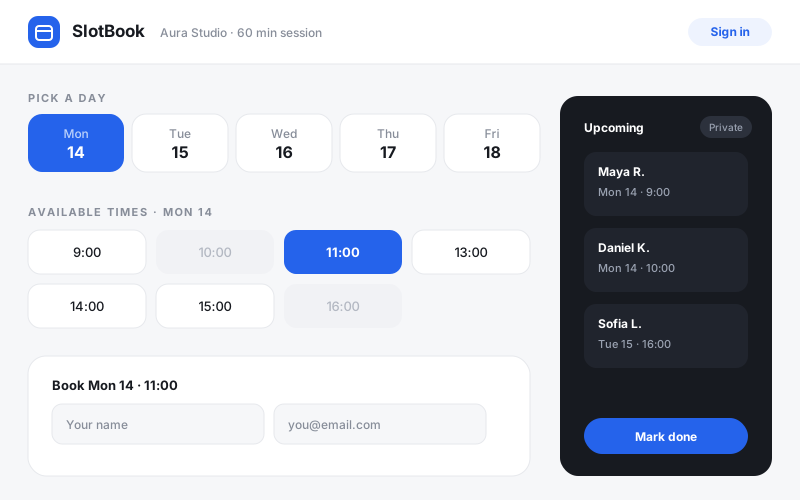
A clean public page with your available times. Booked slots disappear automatically.
Every booking lands in the app's own database — no spreadsheet, no lost emails.
Sign in to see upcoming bookings, mark them done, or cancel. Clients never see this.
The heart of a booking app is a simple rule: a slot is either open or taken. Define your working hours and appointment length first; the calendar interface is just a view over that. Getting the model right makes double-bookings impossible instead of merely discouraged.
Visitors should see availability and a booking form — nothing else. The list of who booked what belongs behind sign-in. This split (public form, private dashboard) is the same pattern every serious booking product uses.
Don't force clients to create an account to book. Collect a name and email on the booking itself; save accounts and sign-in for the operator side, where they actually protect something.