OMG APPS FOR CHATGPT
Build apps and games in ChatGPT.
Describe what you want and get a live link to share. Votes, boards, chats and two-player games work from the first version, because every app has a database, sign-in and live updates.
Add omg to ChatGPTFree to try. Works on the web, desktop and phone.
Try one of these
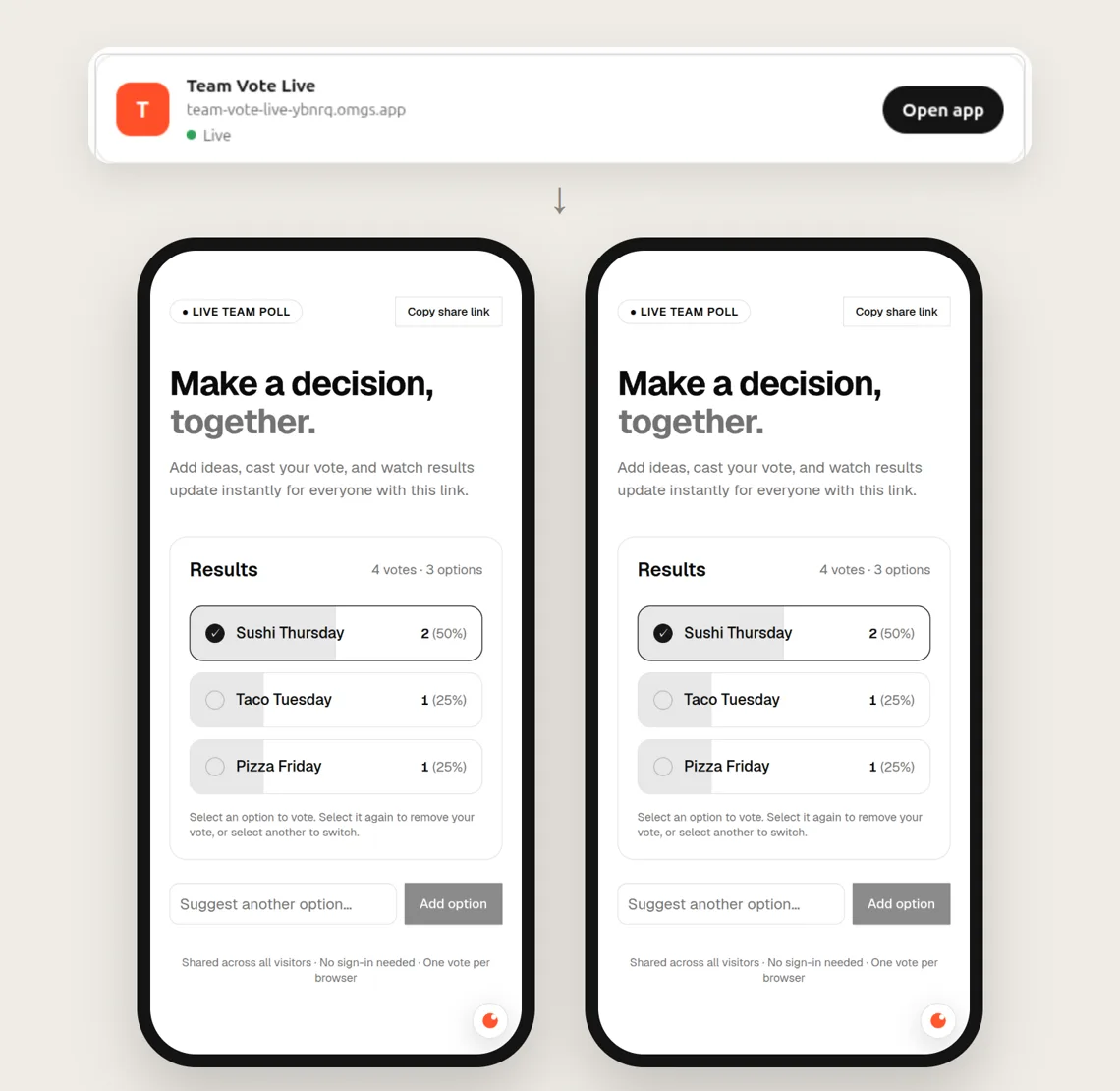
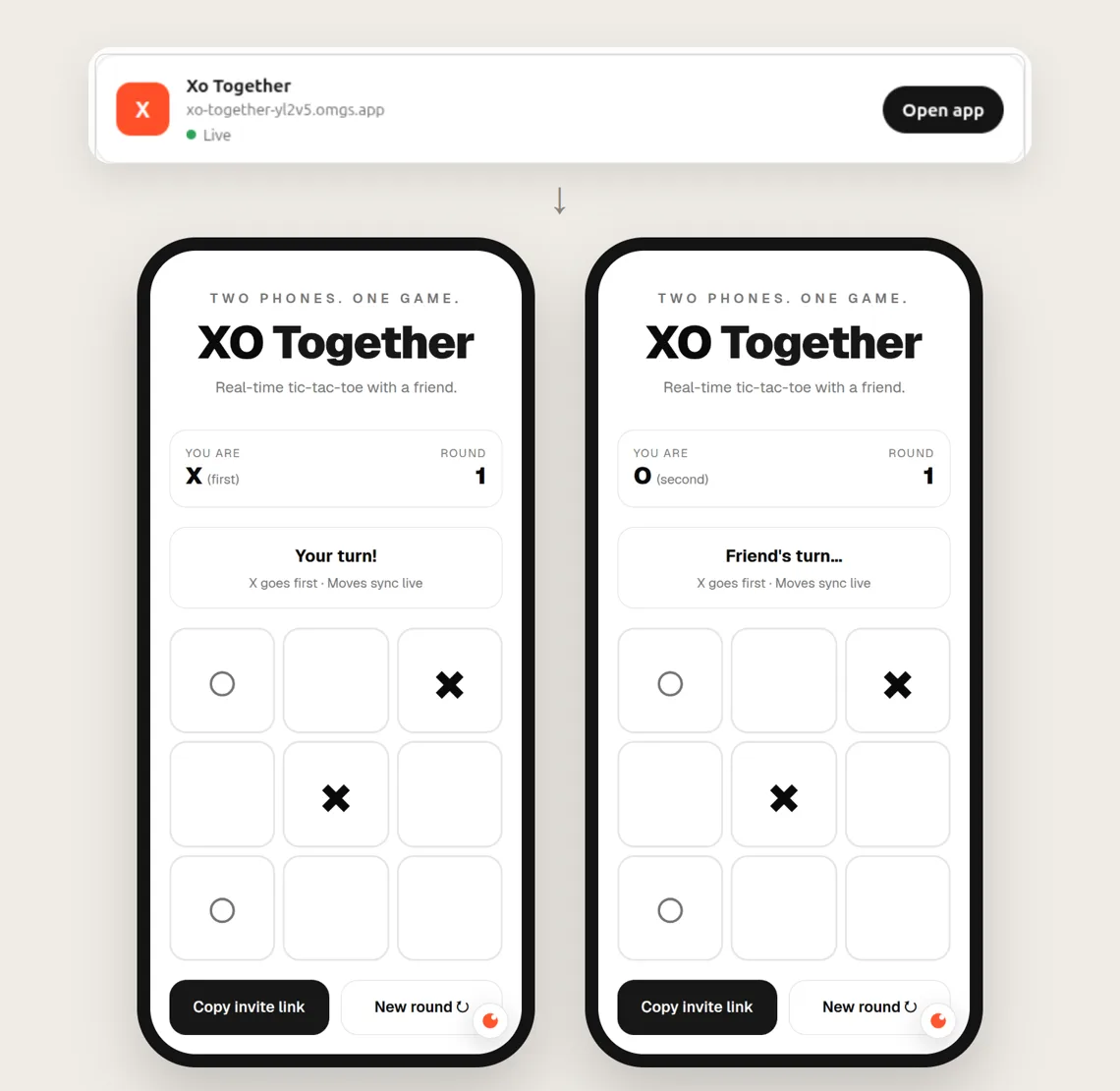
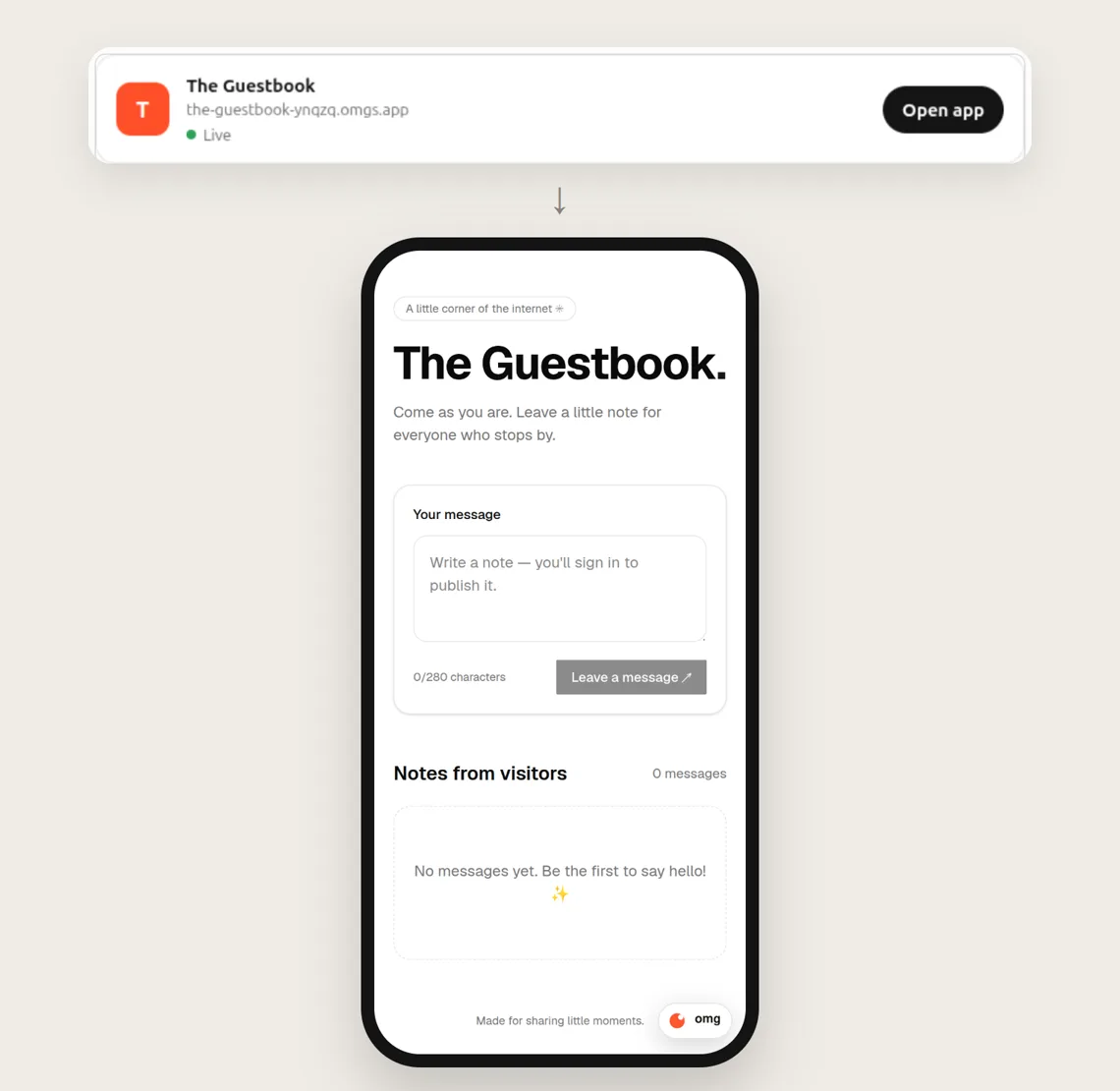
Everyone sees each change at once
A vote on one phone shows up on the other phone without a reload. Visitors do not need an account for shared things like a vote or a game board. When an app keeps private data, it asks people to sign in.
How to start
- Open omg apps in ChatGPT and select Install plugin.
- Sign in to omg.dev and select Allow. You do this once.
- In any chat, type @omg apps and describe your app or game.
- Open the link ChatGPT gives you, and send it to your friends.
Want the details first? Read the step-by-step guide.