




omg.dev

Deploy AI agentsfor teams

Offload heavy work into a swarm of coding agents and let them rip.

What people using omg say

  • Just started using this after trying out t3 code. Have a much better experience using it on my vps.
    SH@RocketmanShSee the post
  • i use omg mostly for code review, and when i am not with laptop
    Kyle
  • It feels magical to control my agents on my own computer anywhere on my phone. This has changed how I use AI now
    Eugene
  • Haven’t been using macbook for a month with this.
    Bennybuilt omgSee the post
Start now

Everything it does, in one place.

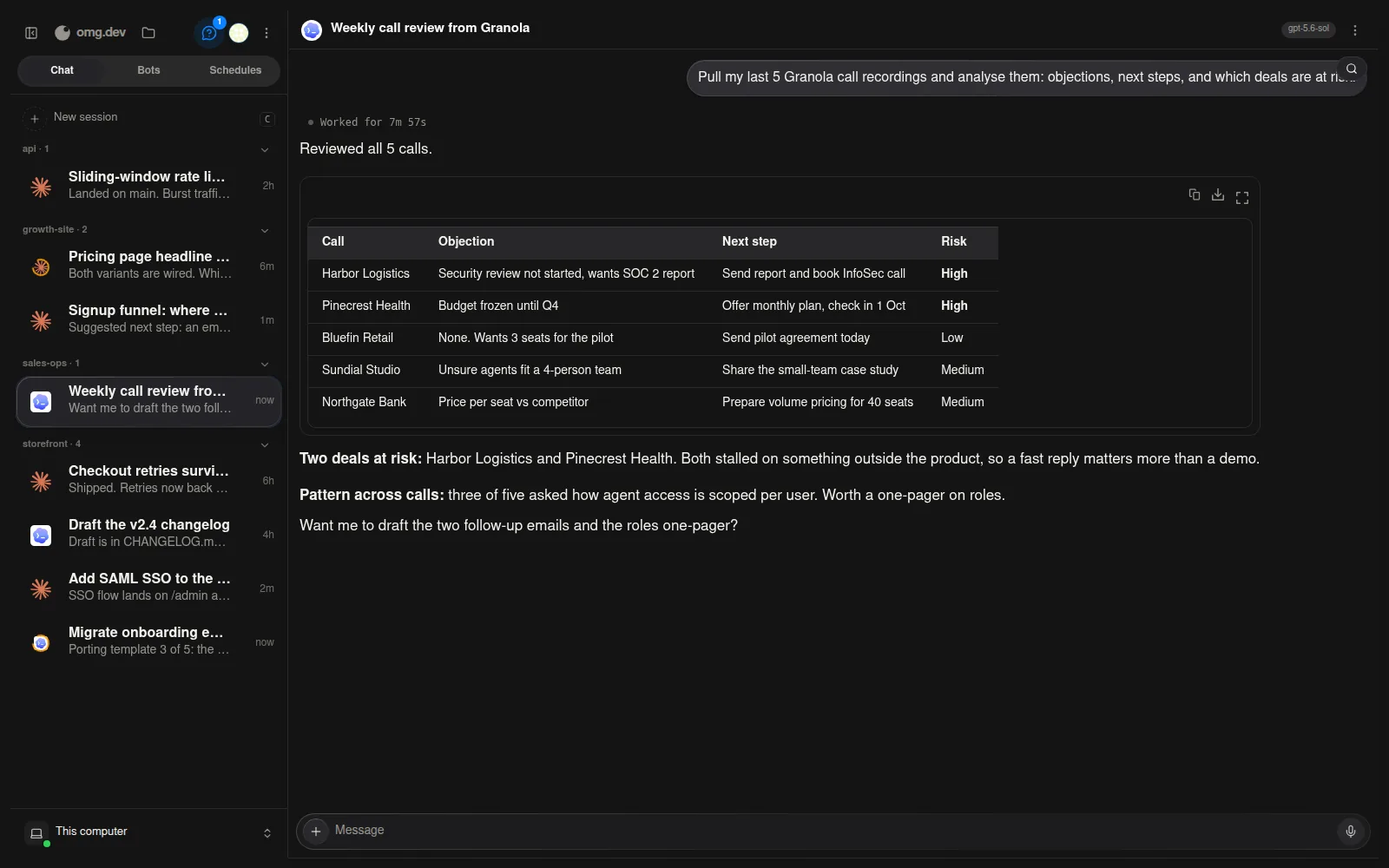
The omg.dev chat surface: a coding session where the agent tunes a scroll animation, reports the new settle time, and attaches a two-file diff
  1. Chat

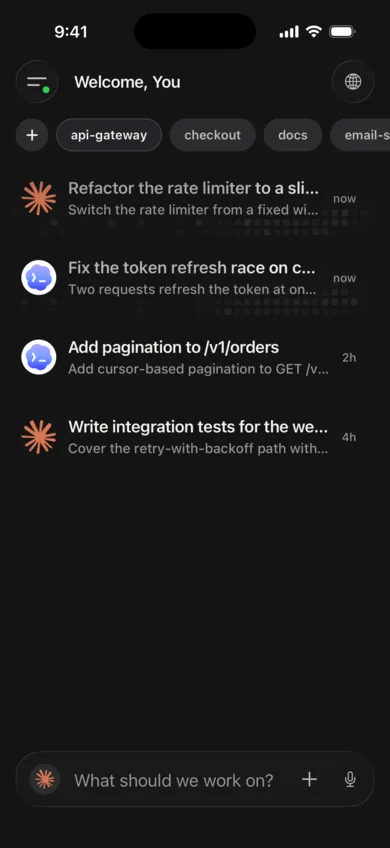
    Launch any coding agent in the same interface.

    One UI for chatting with every supported coding agent, with video, image and file attachments, and unified voice input.

  2. Sharing

    Share your workspace with your team.

    Add anyone by email and they run coding agents on a shared workspace. Everyone sees every session, and every session says who ran it.

  3. Bots

    Turn a coding agent into a persistent AI colleague.

    Bots persist and act as a more conversational colleague. Customise their personalities and system prompts to take over repetitive work.

  4. Schedules

    Run coding agents on a schedule.

    Review PRs, automate releases, analyse user bug reports, daily system reviews. Don't write the same prompts twice.

  5. Coding agents

    Bring your subscriptions.

    We run the official harnesses and integrations, so your subscription plugs in safely. Multiple Claude profiles are supported too.

  6. Computer control

    Access the real computer behind.

    Take control when you need it.

  7. Notifications

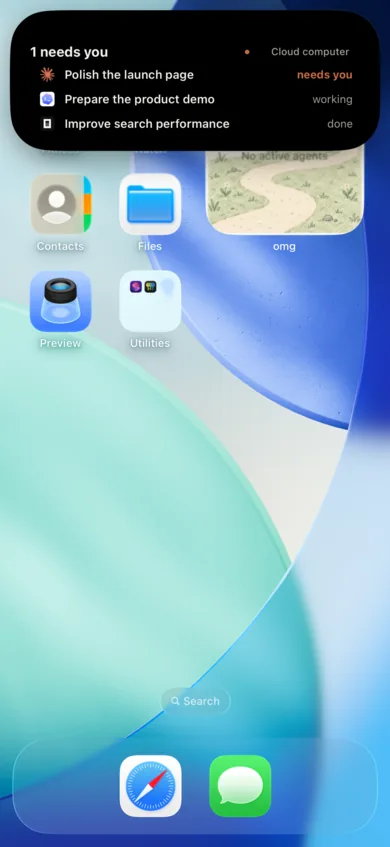
    Get notified when the agents need you.

    Every finished job reports what shipped, with the commit and the screenshot attached.