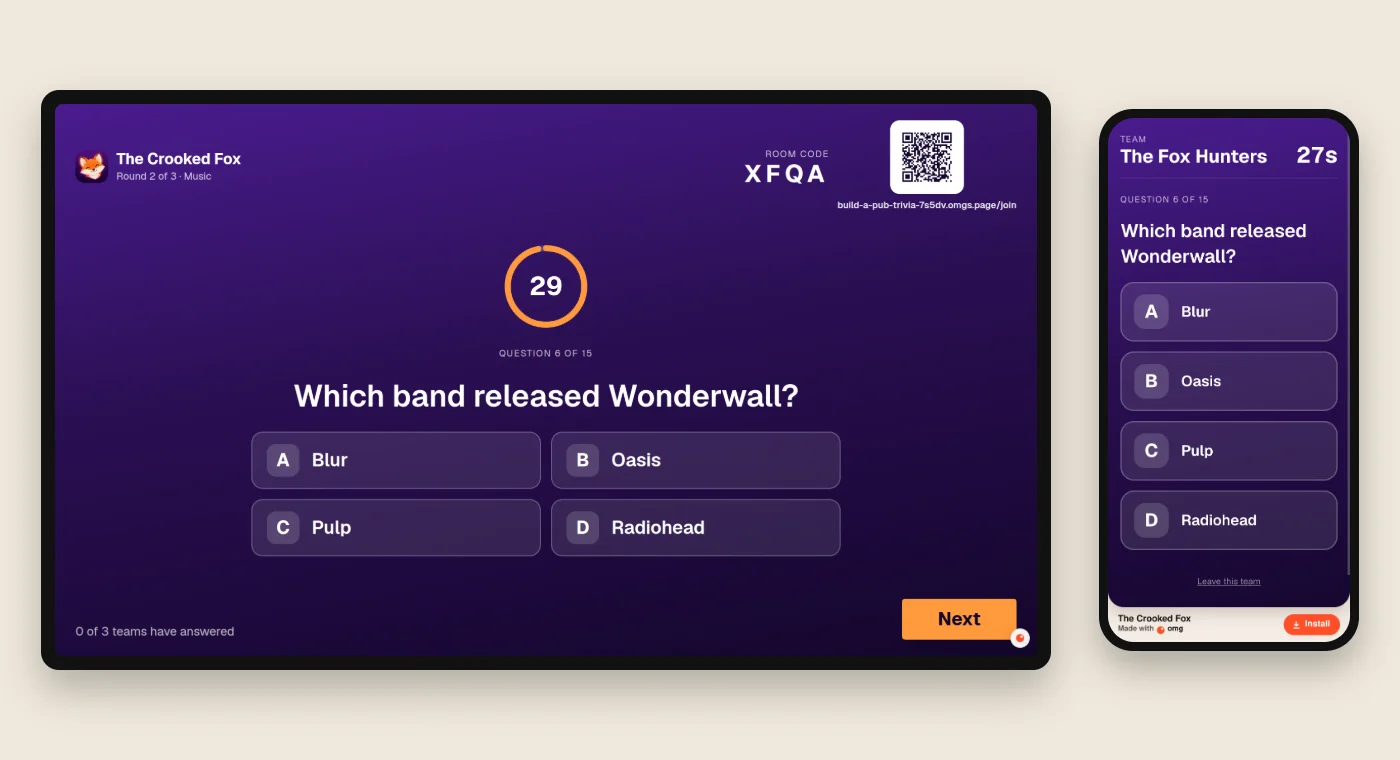
A pub quiz needs someone to read the questions, collect the answers and add up the scores. By round three, the paperwork can take longer than the quiz.
We built a trivia app for an example bar, The Crooked Fox. Questions go on the TV. Each team answers on one phone. The app keeps score.
Here is the prompt, the working demo and what we checked before sharing it.
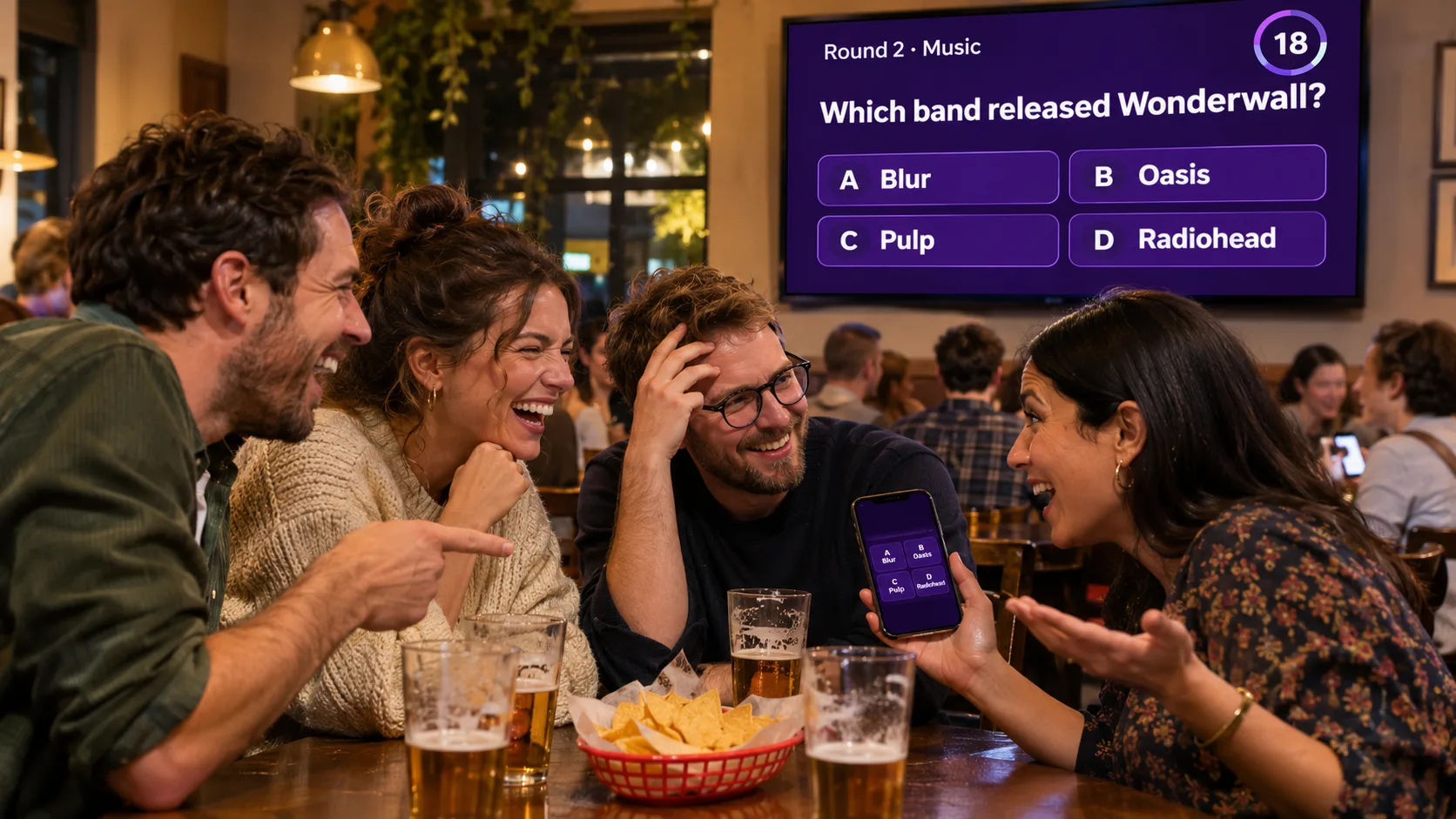
Illustration. The app screenshots in this guide are from our test.
Try a round
Open The Crooked Fox trivia night on a laptop and choose Host on the TV. The question editor opens first. Tap Open the room, then scan its QR code with a phone. Tap Continue, enter a team name and join. On the laptop, press Next.
There are three rounds of five questions: general knowledge, music and sport. A right answer earns one point. The host reveals each answer and moves the night along.
A trivia service or your own app?
A ready-made service is useful if you want question packs and an established hosting flow. Your own app gives you control over your bar's look and rules.
| Option | What you get |
|---|---|
| Crowdpurr | Its free plan allows 20 participants and 15 questions per experience. |
| Quizado | Free Bar Trivia allows four players. Playing your own question sets requires paid access. |
| omg.dev | Build your own game. The pricing page lists a free option and plans from $19 a month. Building uses your plan's AI allowance. |
Pricing pages checked on 11 November 2026. Participant limits are defined by each service; check how it counts teams before choosing a plan.
We tested our app with three teams. Test your expected crowd before using it for a paid event.
Build it on omg.dev
1. Choose a look
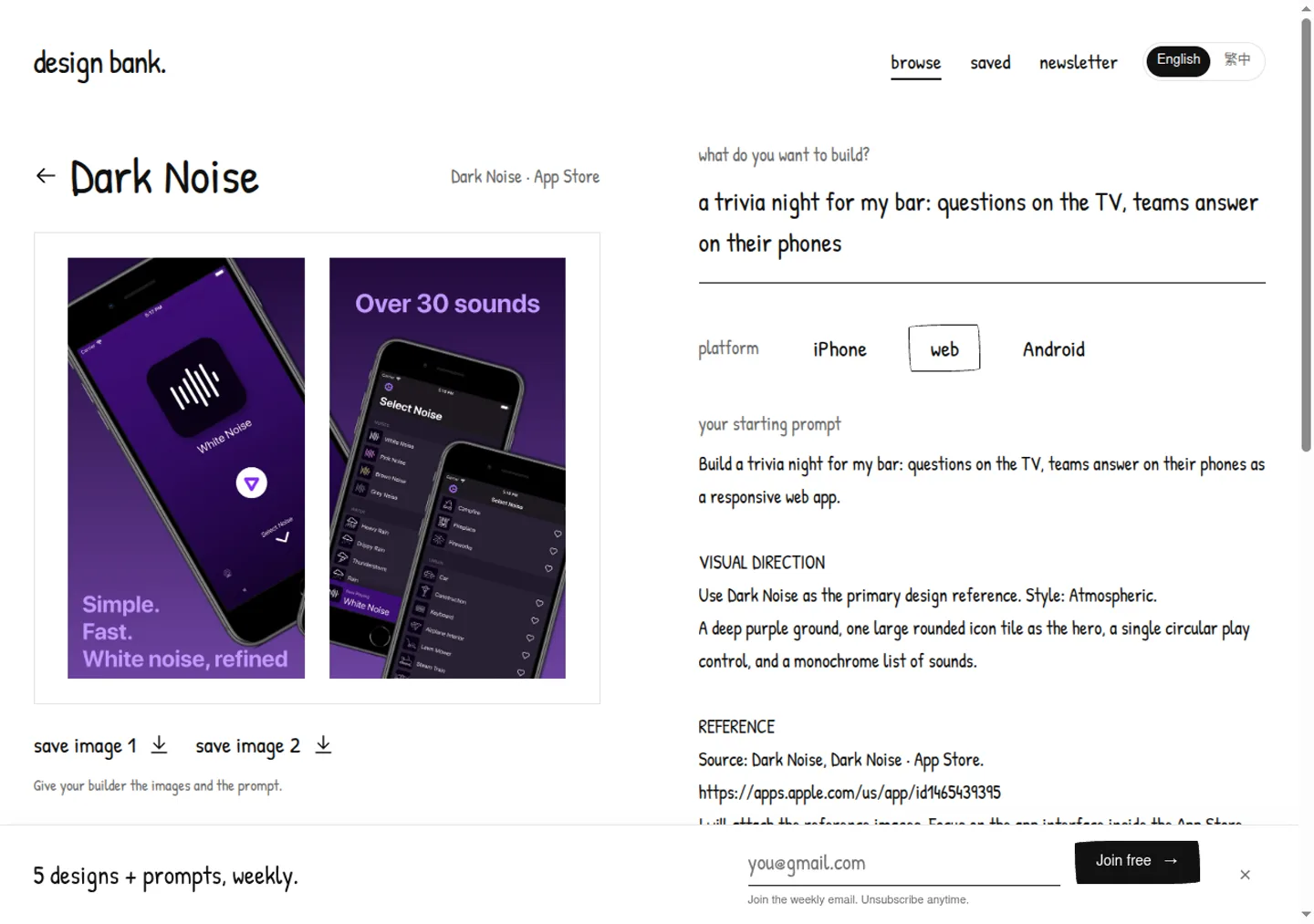
We used Dark Noise from Design Bank as a reference: a deep purple background, large white text and simple controls.
Describe the look in the prompt. A link alone may not give the builder enough to work with.
2. Describe your night
Open omg.dev. The Build this trivia night button above fills in this starting prompt. Replace the bar name with yours.
Build a pub trivia night for The Crooked Fox, a bar. The TV shows the questions and each team answers on one phone. I write the rounds; start with 3 rounds of 5 questions (general knowledge, music, sport), four answers each, and mark the right one. The TV shows a 4-letter room code and a QR code. Teams join with a team name, no accounts, and stay in if a phone locks or reloads. Each question has a 30-second timer, and a right answer is worth 1 point. Check answers on the server, allow one answer per team, and never send the right answer early. After each question, show the right answer and how many teams got it. After each round, show the standings; at the end, the top 3 teams.
Design it like the Dark Noise app: one deep purple gradient, white text big enough to read from the back of the bar, no white cards. Home: a big rounded fox icon tile, the bar's name, then two rows: "Host on the TV" and "Join your team". TV: the question big and centred, a round countdown ring, four rounded answer tiles marked A to D, and one round "Next" button. Phone: the team name at the top and four big answer tiles. Standings: a simple list of place, team and score.
Before you say it's done, make sure the production build passes, then play a full game with a TV tab and three team tabs.
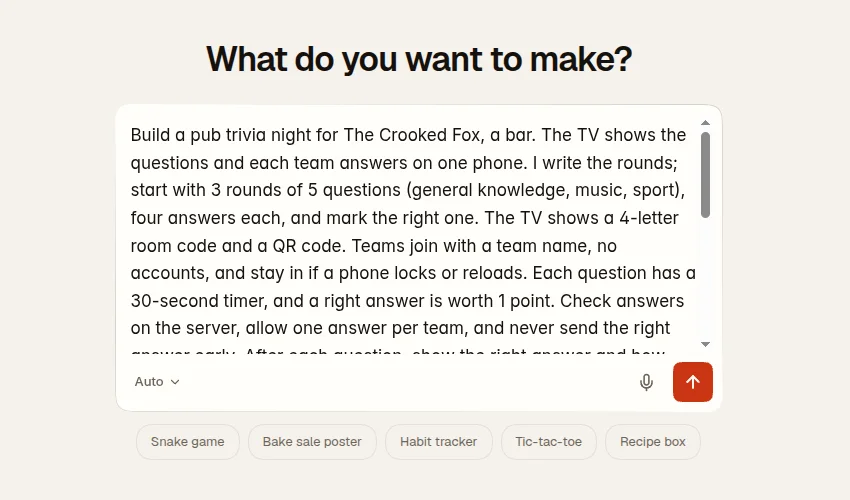
The prompt covers the TV, the phones, scoring and the design. It also asks for a full test. We still played through the result ourselves.
3. Build, test and publish
Let the builder finish, then open the preview. Check the questions and change anything you need. Ask for fixes in the same chat.
Our first version needed a question editor, a clearer join address and a fix to keep scores hidden until the answer reveal. We asked for each change and checked it again.
When your game is ready, tap Publish. Open the link in a browser where you are signed out before you share it with teams. Check that everyone can reach the join screen.
4. What you get
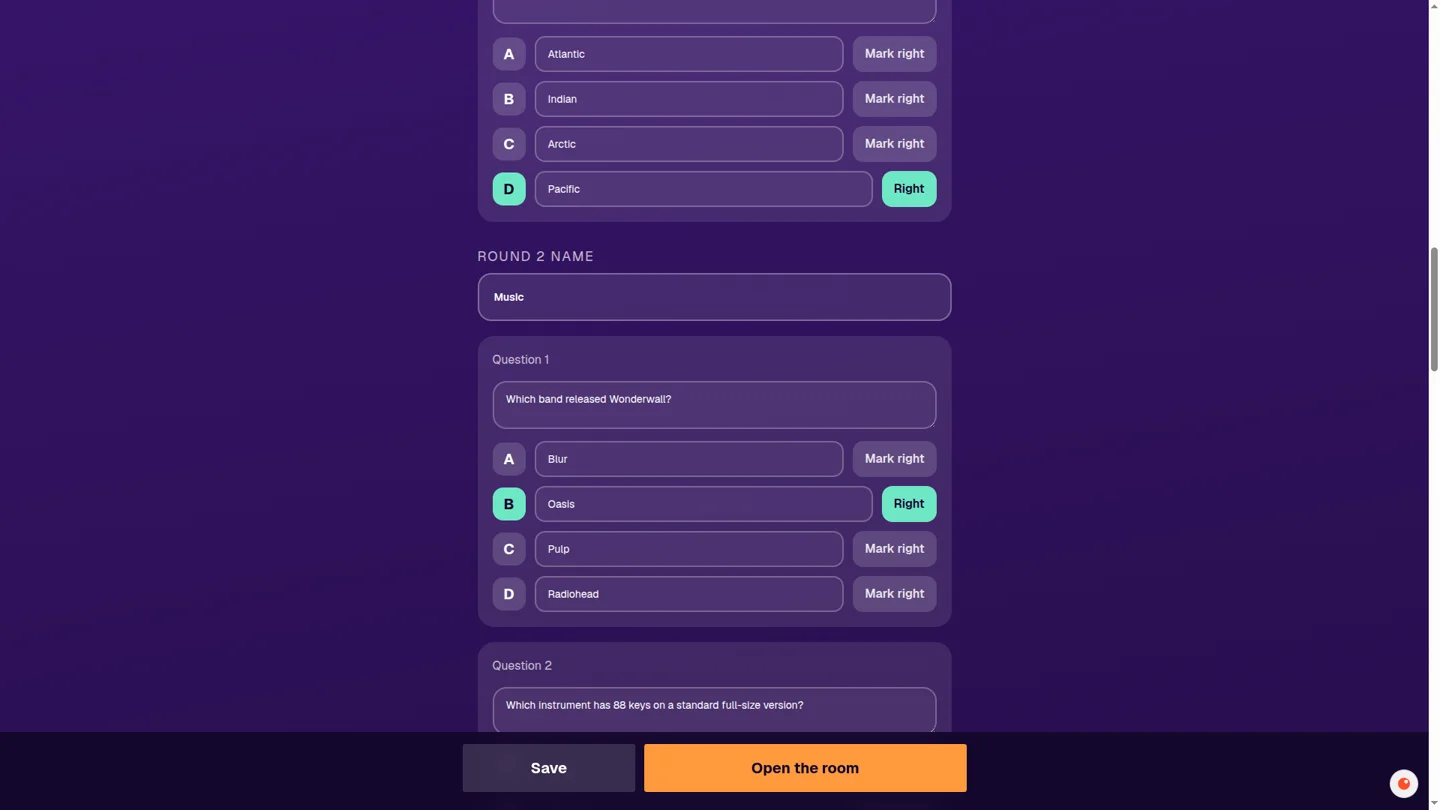
The editor. Change the round names, questions and answers before opening the room. Tap the right answer to mark it.
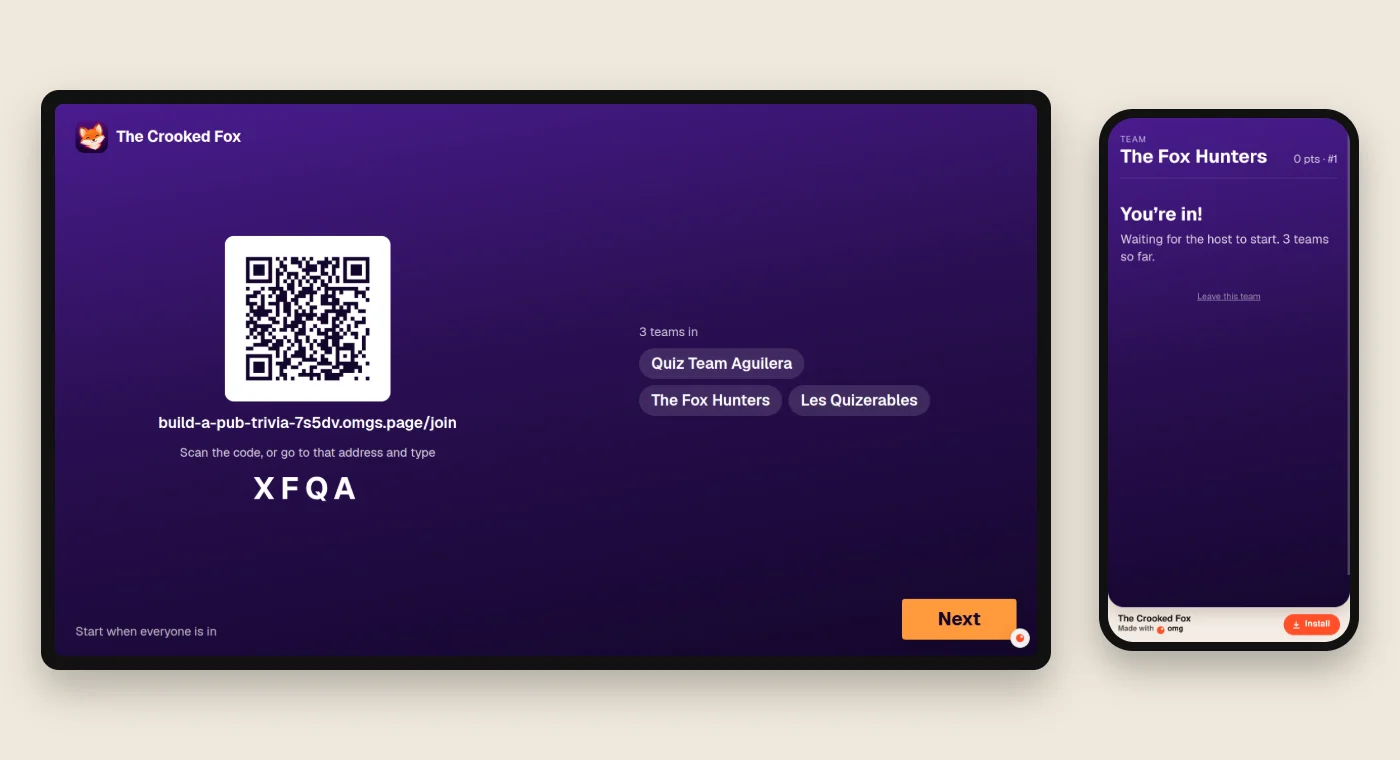
The lobby. Teams scan the QR code or type the join address and room code. Their names appear on the TV.
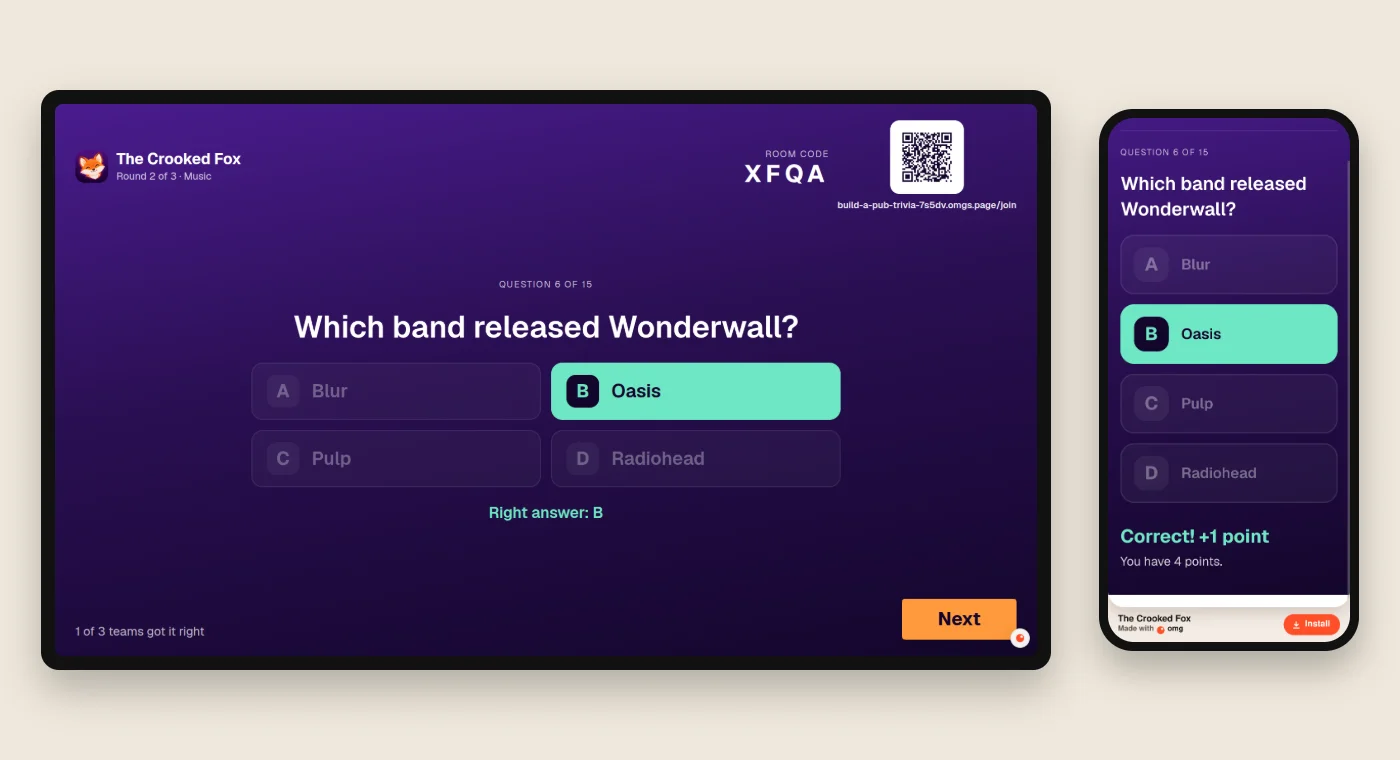
A question. The TV shows a 30-second timer. Each phone has four large answer buttons. A team locks in one answer.
The reveal. The right answer lights up. Each team sees its result after the reveal. Round standings follow every five questions.
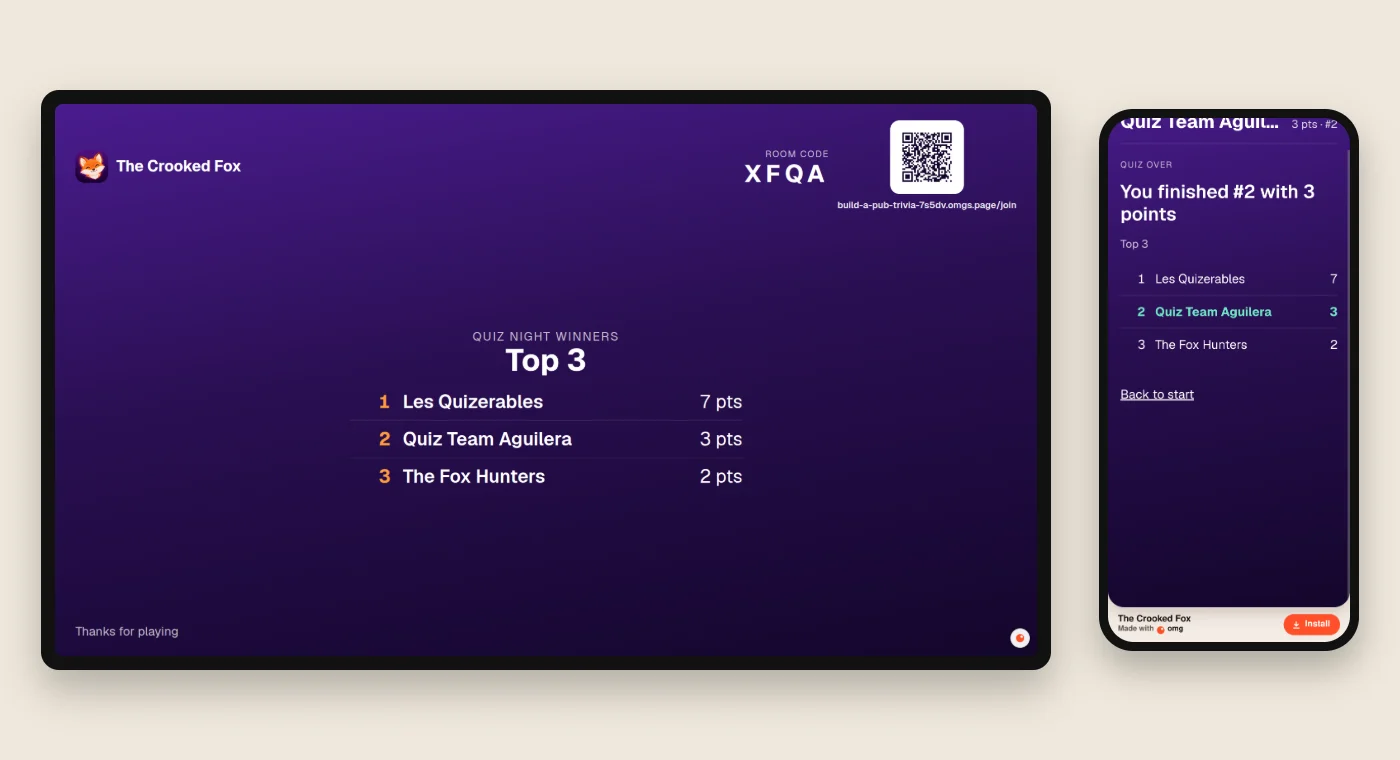
The finish. The top three teams appear on the TV, with their final scores.
5. What we tested
We used one TV-sized browser and three separate phone-sized browsers.
| Test | Result |
|---|---|
| Three teams play all 15 questions | All three reach the final standings |
| Edit a question before opening the room | The edited question appears in the game |
| Tap an answer repeatedly | Counts once |
| Read the player response during a question | Right answer and live scores stay hidden |
| Reload a team phone | The team stays in the room |
| Join with an existing team name | The duplicate name is refused |
| Open the TV link in another browser | It can watch but cannot advance the game |
These were browser tests. Rehearse on your venue's Wi-Fi, TV and actual phones too. Check every question and answer before the night.
Make it yours
Start with your bar's name and your own questions. Then ask for one change at a time:
- Picture round: "Let me add a picture to each question."
- Drink specials: "Show tonight's specials between rounds."
- Weekly league: "Keep each team's score across weeks."
Those are ideas for your next build. They are not part of this demo.
Build your trivia night on omg.dev.
More real sites built on omg.dev
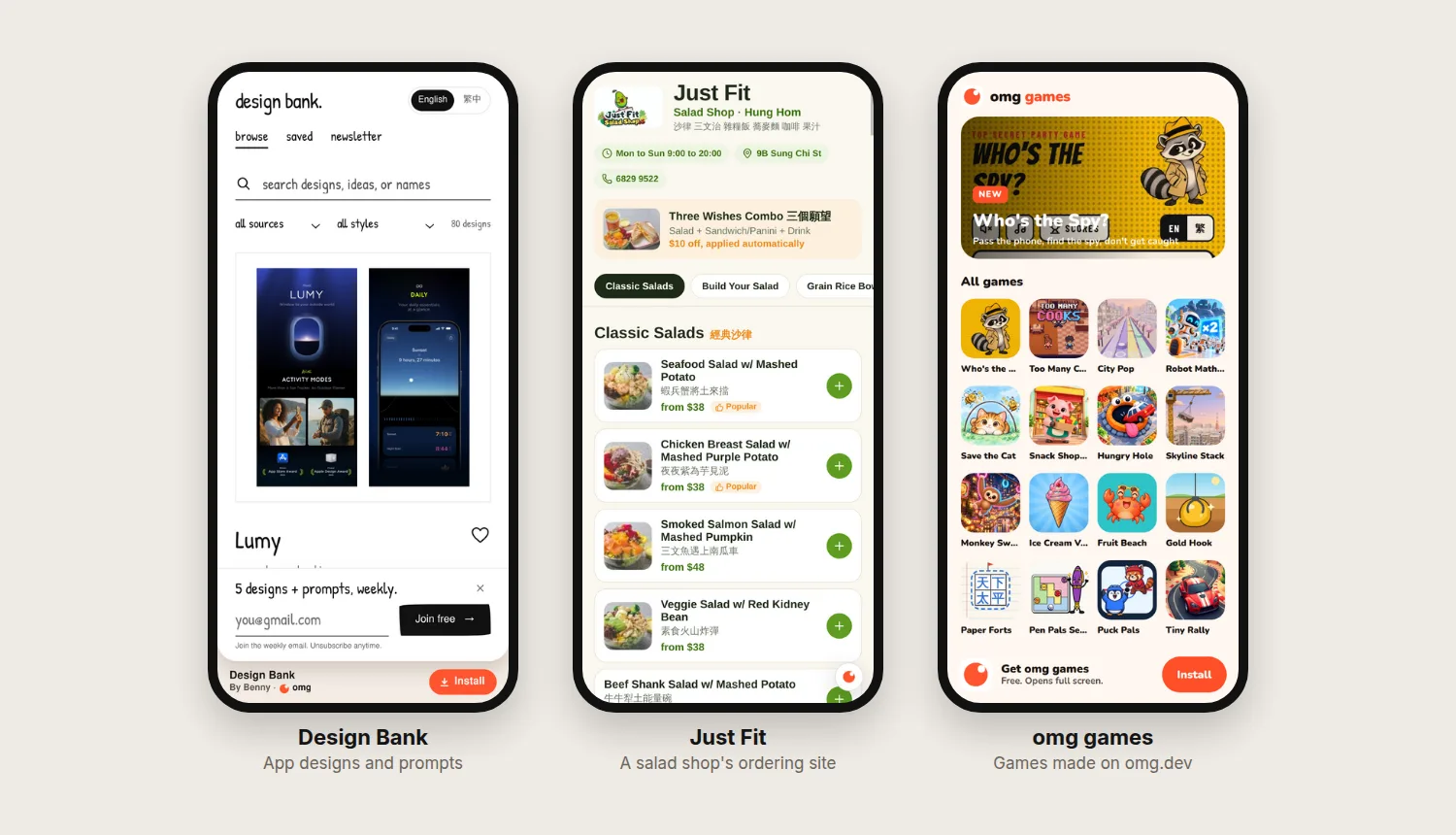
- Design Bank: app design references and prompts.
- Joy Time: big-screen trivia and picture games for care homes.
- omg games: free browser games made on omg.dev.
For a classroom, try our free quiz maker or read how we made a Kahoot-style quiz. Hosting at home? See our multiplayer party quiz.
Frequently asked questions
Can I make my own pub trivia app without coding?
Yes. Describe the game on omg.dev, then test it with a host screen and team phones. Our example has a question editor, a room code, a timer and scores. We used follow-up messages to fix what we found in testing.
Do teams need an account or an app?
No. In our demo, one person per team opens the join link, enters a team name and plays in the phone browser. Nothing to install.
How do I put the quiz on a TV?
Open the host screen on a laptop and connect it to the TV with HDMI, or mirror the laptop screen. Keep that browser open to control the game.
Can I write my own questions?
Yes. Before opening a room, the host can rename rounds, edit questions and answers, and mark the right answer. The room keeps its own copy of those questions.
How many teams can play?
We tested a full game with three teams in separate phone-sized browsers. We have not load-tested a packed venue. Rehearse with your expected number of teams before your first event.
Can teams see the right answer early?
In our test, the player response did not include the right answer or live scores before the reveal. Repeated answer taps counted once. These checks do not prevent someone looking an answer up elsewhere.