7 min read
How to Make a Multiplayer Quiz Game with AI for Your Next Dinner Party
We asked ChatGPT for a Kahoot-style party quiz: questions on the TV, answers on everyone's phone, a live leaderboard. The exact prompt, every screen, and the bug we hit.
Add omg apps to ChatGPTSomeone at dinner says "let's do a quiz". Usually that means one person reading questions off their phone while everyone shouts.
We wanted the real thing: questions on the TV, everyone answering on their own phone, a 15-second timer, more points for faster answers, and a leaderboard after every round. So we asked ChatGPT for it, in one message, with no code.
This is exactly what happened: the prompt, how long it took, every screen, and the bug we found when three people answered at once.
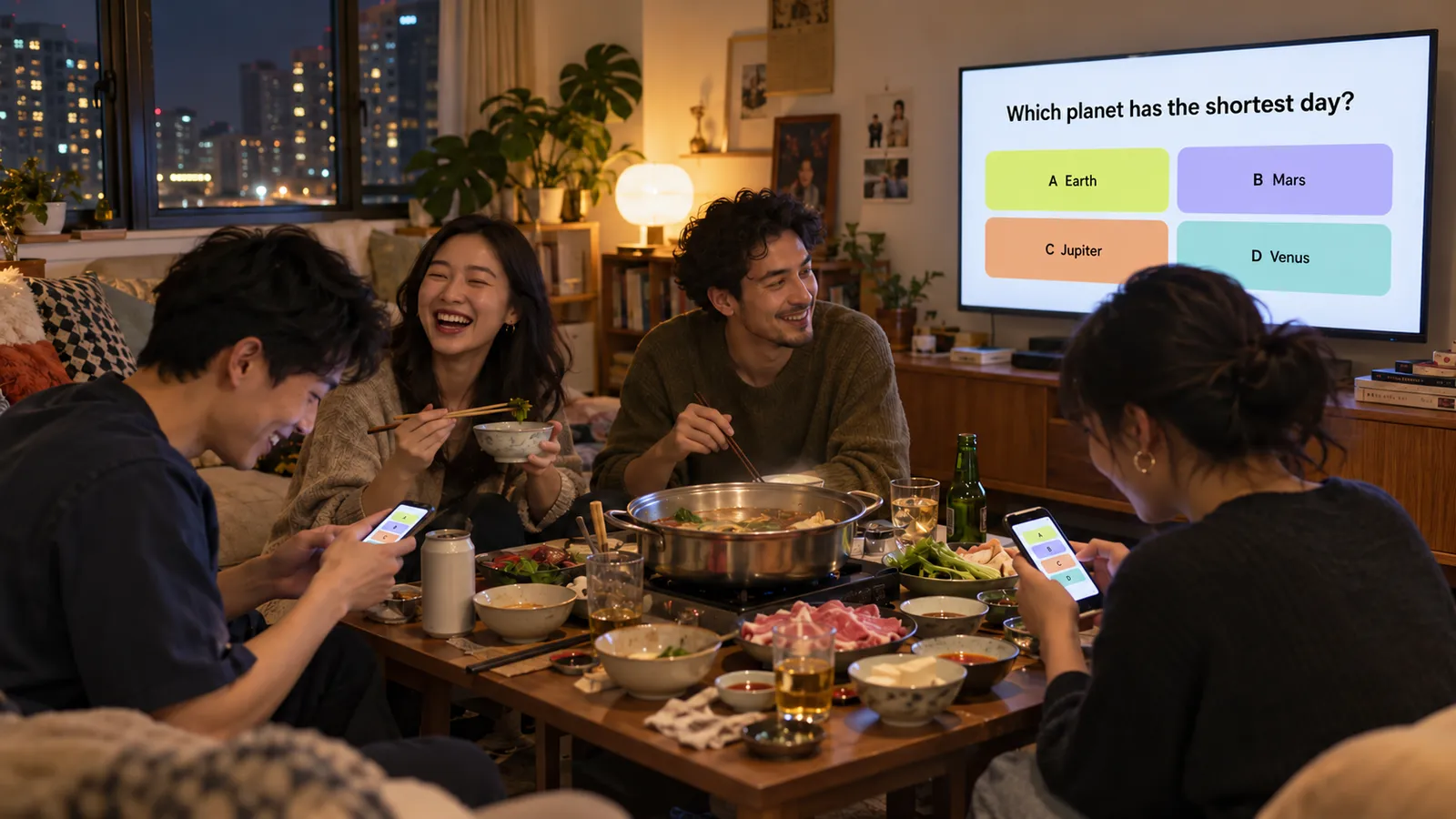
Illustration of the game at a dinner. The real screens from our test are further down.
The short version
- Add omg apps to ChatGPT, one time (how).
- Paste the prompt below and change the details.
- Wait about 10 minutes. You get a link.
- Open the link on the TV, edit the questions, and create a room.
- Friends open the same link on their phones and type the room code.
Step 1: Add omg apps to ChatGPT (one time)
- Open omg apps in ChatGPT. It works on the web, in the desktop app and in the phone app.
- Tap Install plugin, at the top right of the page.
- Sign in to omg.dev (or make a free account), then tap Allow. omg apps only asks for one thing: to make, change and share your omg apps.
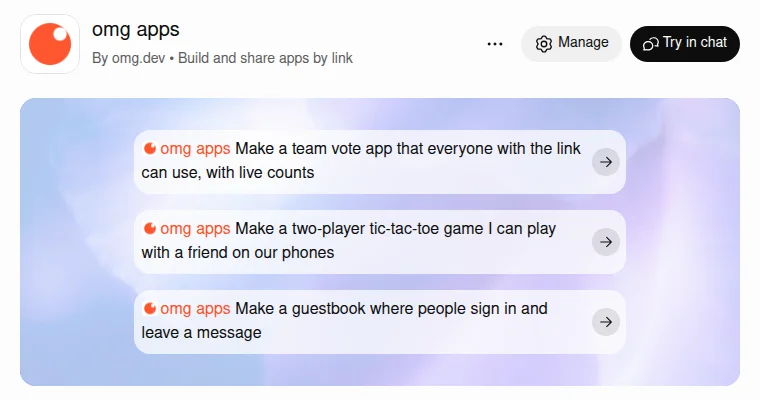
The omg apps page in ChatGPT. Once it's installed, the button changes to "Try in chat".
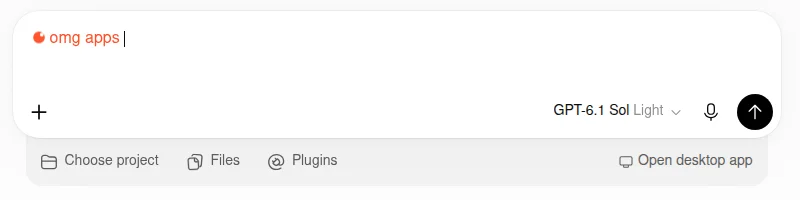
- Start a new chat and type
@omg apps. It turns orange, which means ChatGPT will use it. Then write your request after it.
Using Claude instead
omg apps also works in Claude, as a connector (an MCP server):
- In Claude, open Settings, then Connectors.
- Select Add, then Add custom connector.
- Name it
omg appsand paste this address:https://mcp.omg.dev/apps - Select Continue, finish the last step, then Connect and sign in to omg.dev.
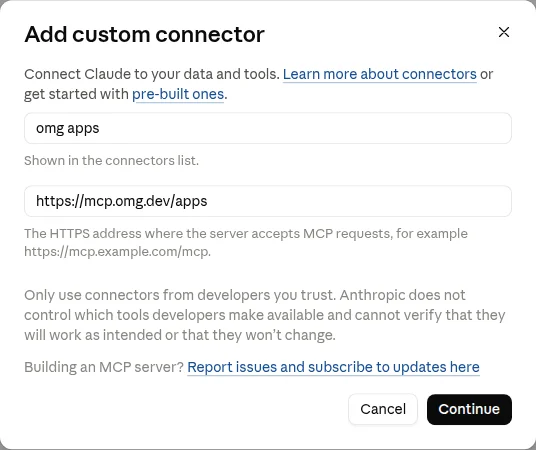
In a new chat, ask for the game the same way. If you use Claude Code, one
command does it: claude mcp add --transport http omg-apps https://mcp.omg.dev/apps.
The setup guide has the details.
Step 2: The prompt
This is the message we sent, word for word:
Make a party quiz game for my dinner with friends tonight. I put the quiz on the TV, everyone joins on their phone with a room code and picks a name. I show one question at a time with 4 answers, people tap an answer before a 15 second timer runs out, faster correct answers get more points, and after each question everyone sees the leaderboard. Start with 8 fun general knowledge questions and let me edit them before we play.
Why it works: it says where each part lives (TV and phones), how people join (room code and a name), the rules (one question, four answers, 15 seconds, speed points), what happens after each round (leaderboard) and what you start with (8 questions you can edit). You don't need technical words. You need to describe the evening.
Step 3: Wait for your link
ChatGPT worked for 9 minutes 12 seconds. That's longer than a simple vote app, because a game has more moving parts: a host screen, a player screen, a timer everyone shares and scores everyone sees. While it worked, it told us the plan in plain words: correct answers score 500 to 1,000 points depending on speed, and the host decides when the next question starts, "so there's time for dinner between rounds."
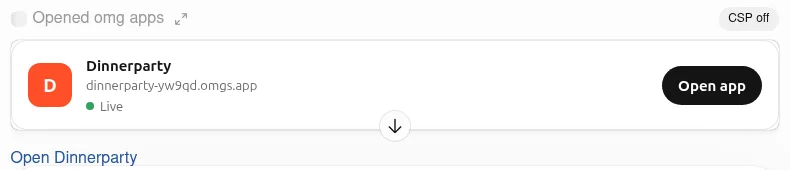
Then a card appeared in the chat with the app's name, its live link and an Open app button.
Step 4: Play it
On the TV: host the quiz
Open the link on the TV (or a laptop plugged into it). The first screen has two choices: Host a quiz for the TV, and Join the party for phones.
Tap Host a quiz and you land in the question editor. Every question, all four answers and the correct one can be changed. We swapped the first question for an easy warm-up about the food.
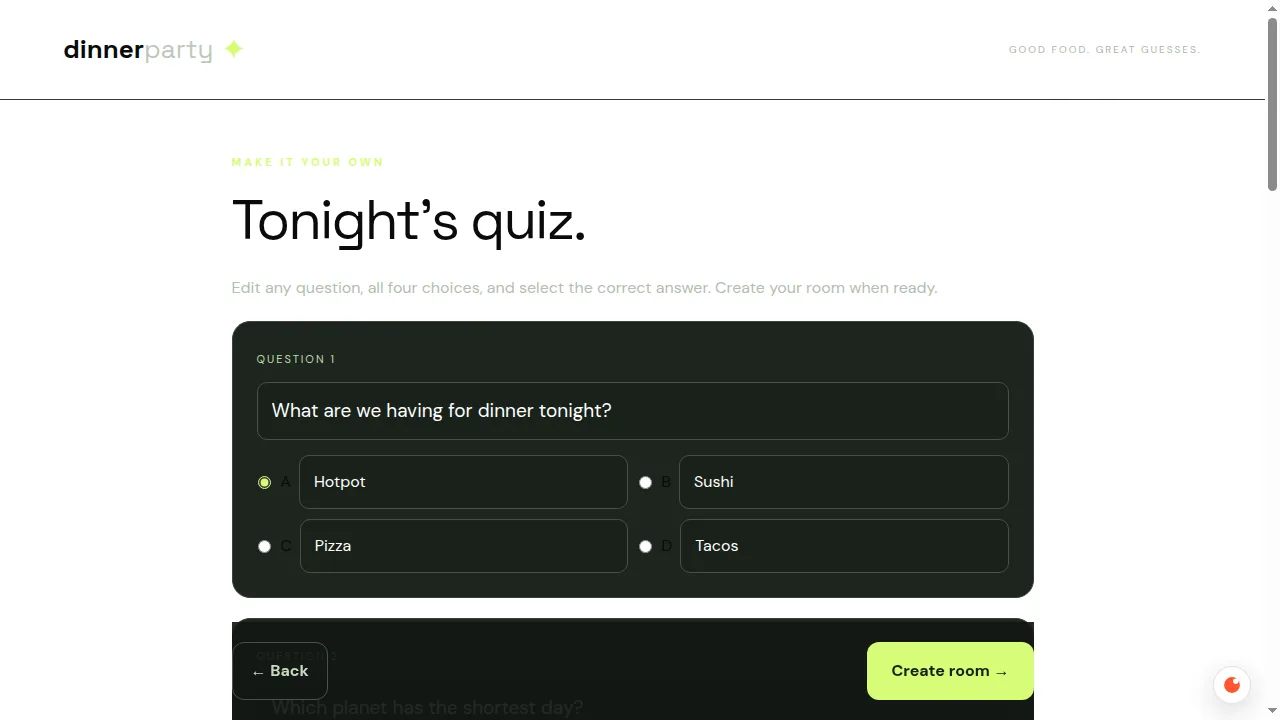
Tap Create room. The TV shows a room code in big letters and fills up with names as people join.
On the phones: join and tap
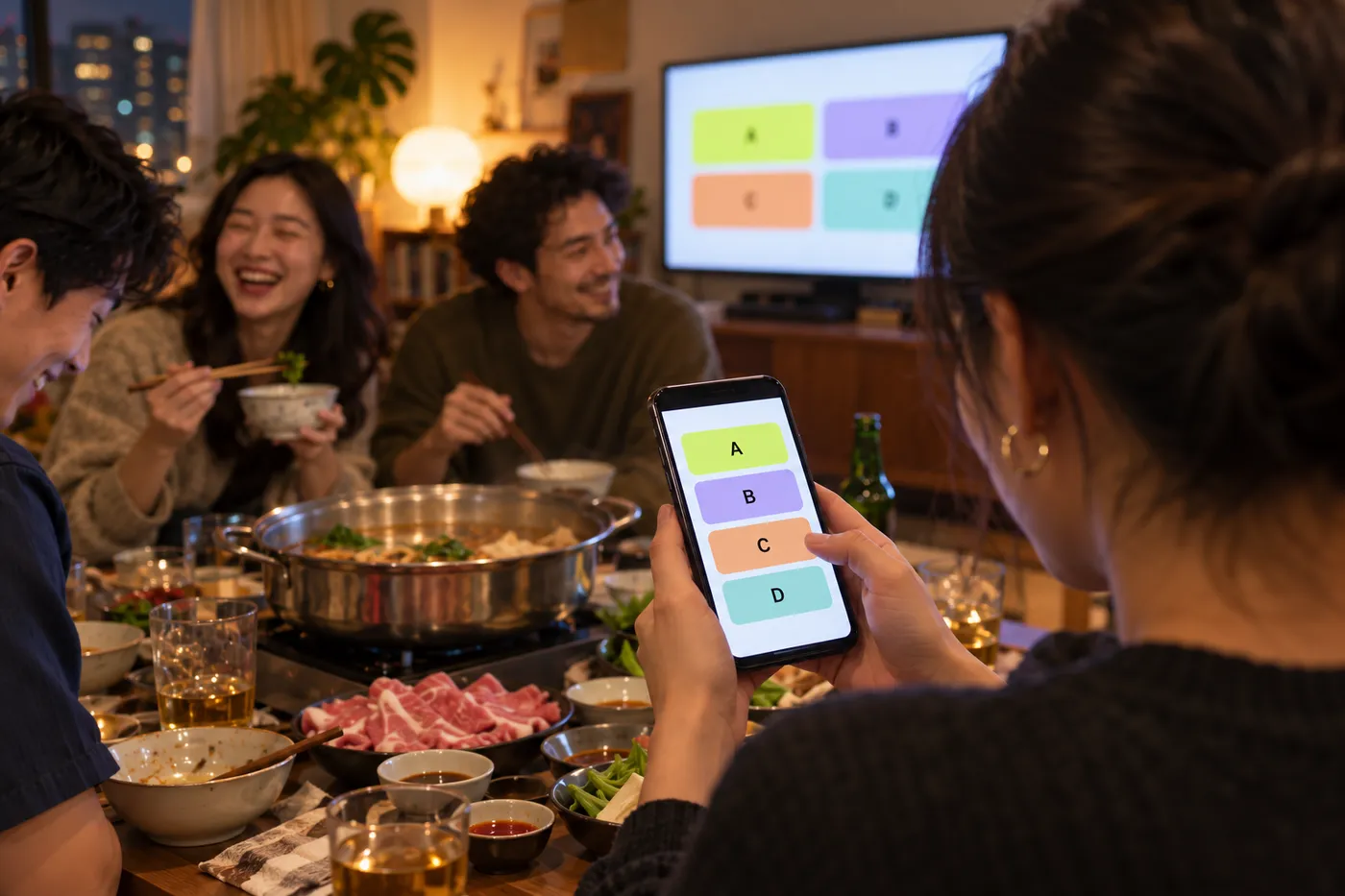
Illustration.
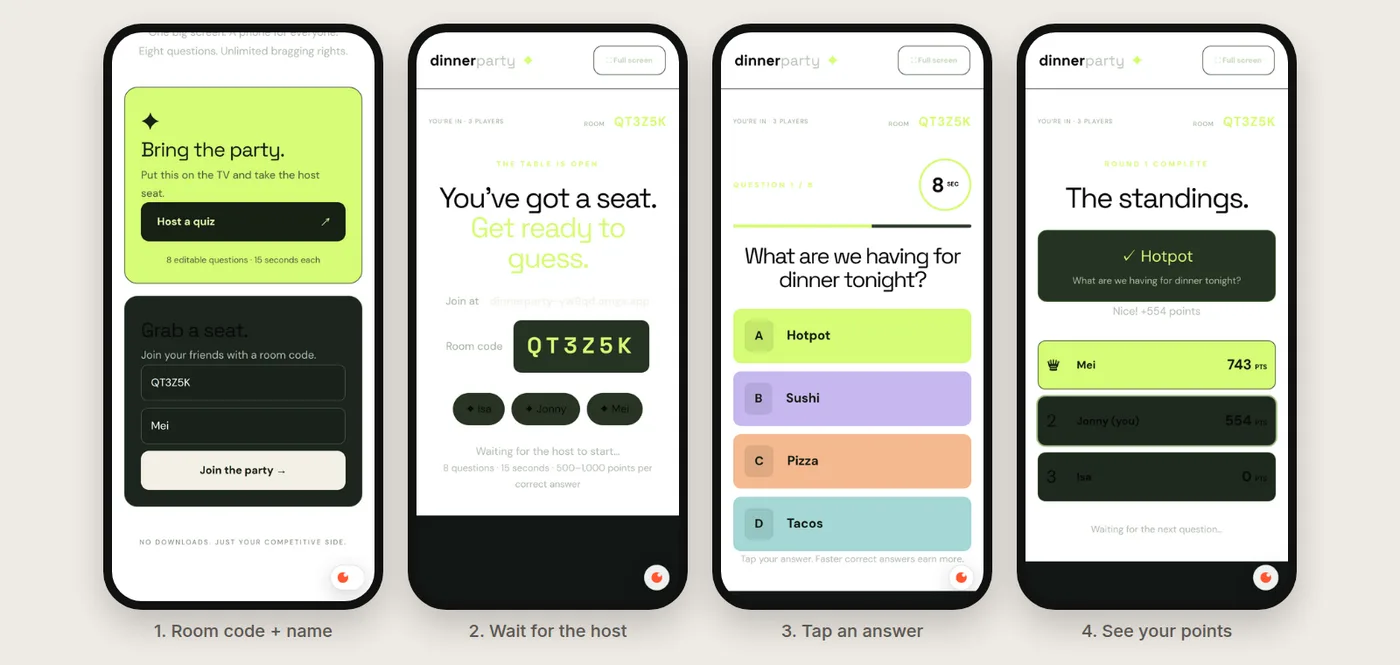
Friends open the same link, type the room code and a name, and wait for the host. When a question starts, their phone turns into four big coloured buttons that match the TV. After they tap, the answer locks, and when the round ends they see their points.
After each question: the standings
When the timer ends, the TV shows the right answer and the leaderboard. Each phone shows how many points you just won and where you stand.
In our first round, Mei answered first and got 743 points. Jonny was three seconds slower and got 554. Isa didn't answer in time and got 0. Speed matters.
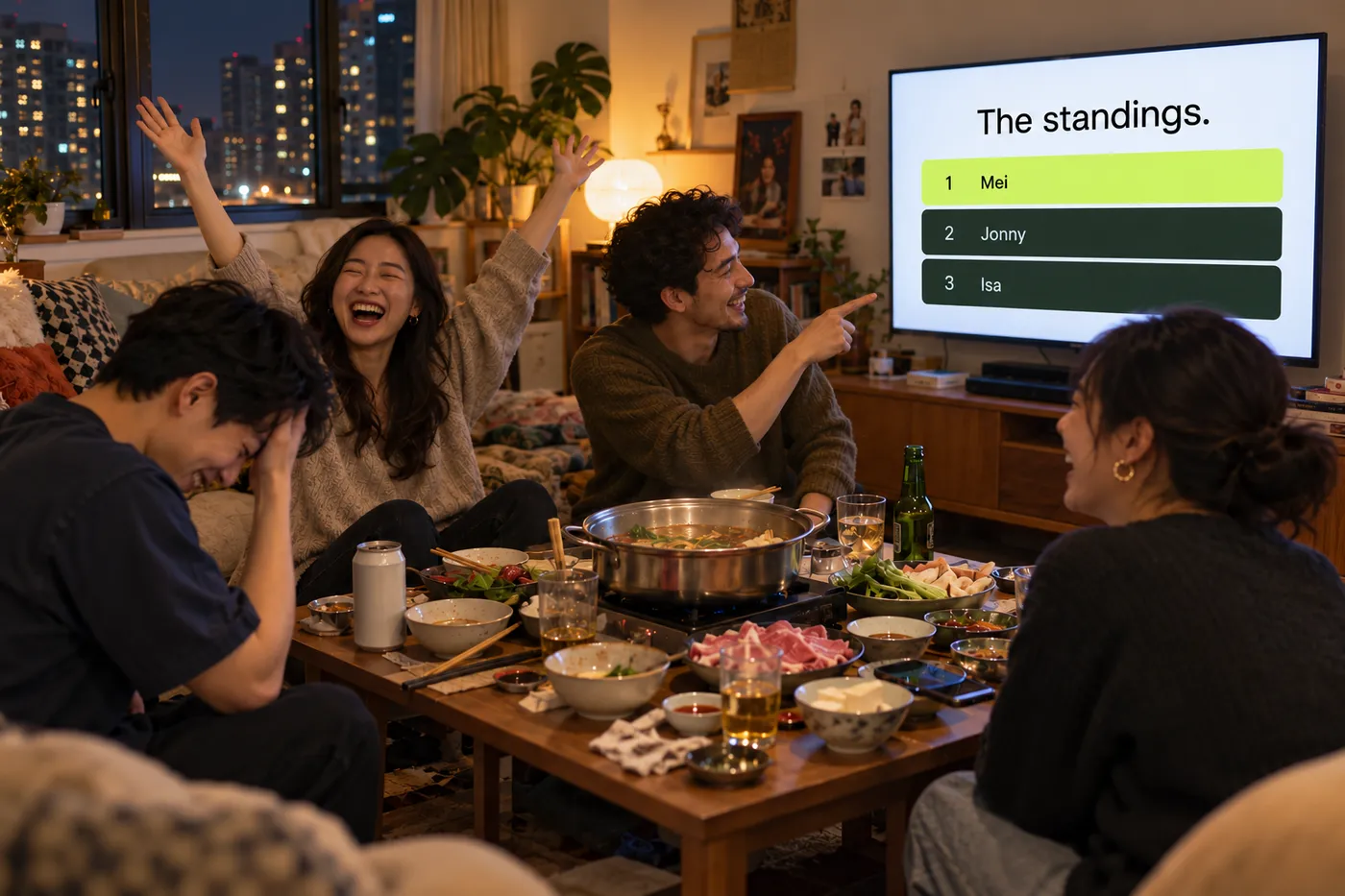
Illustration.
What went wrong, and how we fixed it
We tested with a TV and three phones before calling it done. Two things weren't right:
- An answer went missing. On question 2, all three of us tapped at almost the same moment. Isa's phone said "Answer locked", but the TV showed "2 / 3 answers in", and she got "Time's up" and no points, even though she picked the right answer.
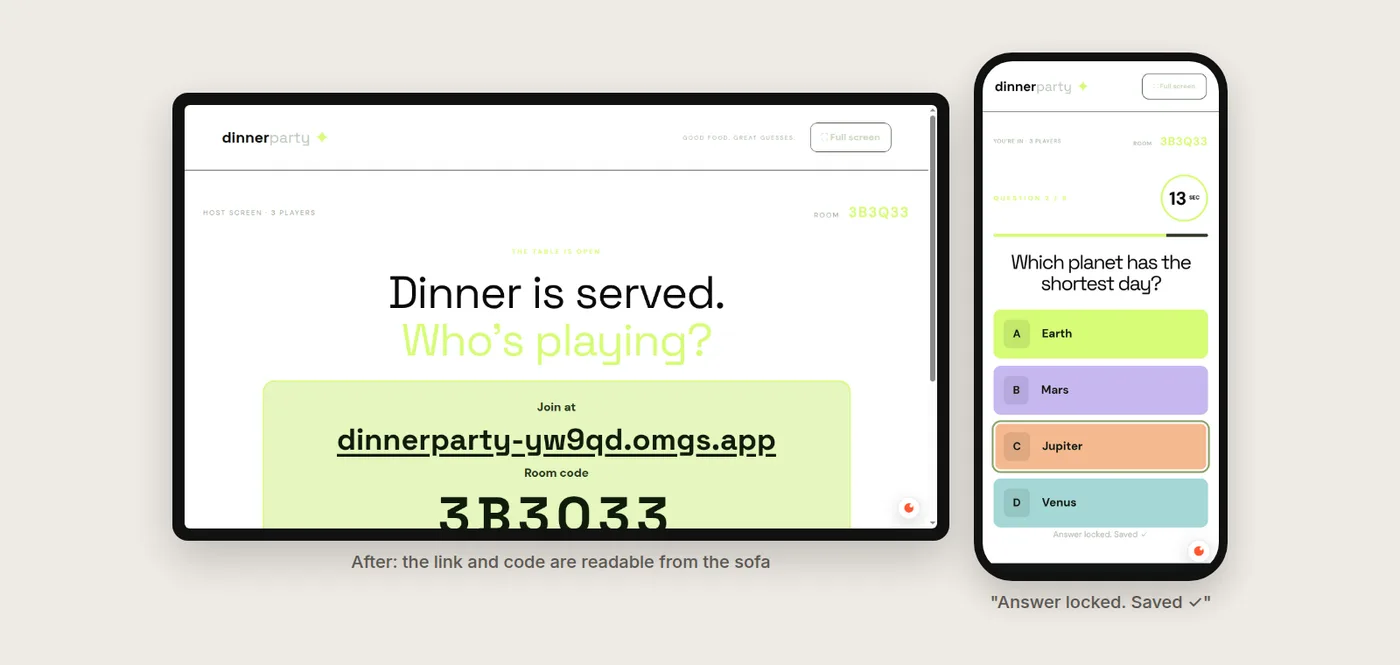
- The join link was too faint. On the TV lobby, the "Join at" address was light green on white. You couldn't read it from the sofa.
We didn't open any code. We went back to the same chat and described what we saw, the way you'd tell a friend:
We tested it with 3 phones. Two problems: 1) On question 2, Isa tapped Jupiter (the right answer) at almost the same moment as the others. Her phone said "Answer locked" but the TV said 2 / 3 answers in, and she got "Time's up, no answer" and 0 points. It looks like answers sent at the same time get lost. 2) On the TV lobby, the "Join at" link is so faint you can't read it from the sofa. Make the link and room code big and dark.
ChatGPT found the cause: the phone said "Answer locked" as soon as you tapped, before the game had actually saved the answer. It changed the phone to wait until the answer is saved, retry if it isn't, and made the TV recount answers.
That took 6 minutes. We didn't take its word for it. We refreshed the TV and the phones, started a new room, and had all three phones tap at the same instant, twice. Every answer counted: the TV showed "3 / 3 answers in", each phone said "Answer locked. Saved ✓", and the scores came out right. When Jonny picked Venus instead of Jupiter, he got nothing, as he should.
The lesson: always play one round with real phones before your guests arrive. And when something's wrong, say what you saw and what you expected. "Isa's answer didn't count" gets fixed. "It's broken" doesn't.
What it costs
- Your friends: nothing, and no account or download.
- You: omg apps in ChatGPT is free to try. If you build a lot, omg.dev plans start at $19 a month. There's no charge per player.
Ideas for your next game
We haven't built these yet. They follow the same pattern as our prompt: where each part lives, how people join, the rules, and what happens after each round.
Make a "who said it?" game: I add quotes from my friends, the TV shows one, and everyone guesses on their phone who said it.
Make a drawing game: one person draws on their phone, the drawing shows on the TV, and everyone else types guesses.
Make a bingo card for our wedding. Each guest gets a different card on their phone, and the TV shows who's closest to winning.
Want the basics first? Read How to make your own app in ChatGPT.
Frequently asked questions
Do my friends need to download anything?
No. They open a link on their phone, type the room code and a name, and they're in. It works in any phone browser.
How long does it take to make?
Our quiz took 9 minutes from the first message to a live link, and one more message to fix the two problems we found while testing.
Can I write my own questions?
Yes. The host screen opens with an editor where you can change every question, all four answers and which one is right, before you start.
Is it free?
You can try omg apps in ChatGPT for free. If you build a lot, omg.dev plans start at $19 a month, and there's no extra charge per player.
How many people can play?
We tested with three phones and a TV. Everyone joins with the same room code, so a whole table can play.