7 min read
I Tried Lovable, Base44 and v0 for a Real iPhone App. Here's What Worked.
A non-technical founder's honest test: Lovable, Base44 and v0 all gave me a website. What it actually took to get a native iPhone app onto TestFlight, with costs.
Start your iPhone app on omg.devBy Angel Lui. I'm not a developer: I studied law and run community events in Hong Kong and San Francisco.
I wanted to build a tiny app for me and one friend: a shared diary where you have to write today's entry before you can read theirs. It had to be a real app on our phones, with an icon, not a page in a browser.
I spent a month and about 200 hours on it. I tried every "one prompt, one app" builder first. None of them gave me an iPhone app. Then I found a setup that did, and the app was on TestFlight 28 hours after my first prompt.
This is the honest version of that month: what each tool gave me, why, and the setup that worked.
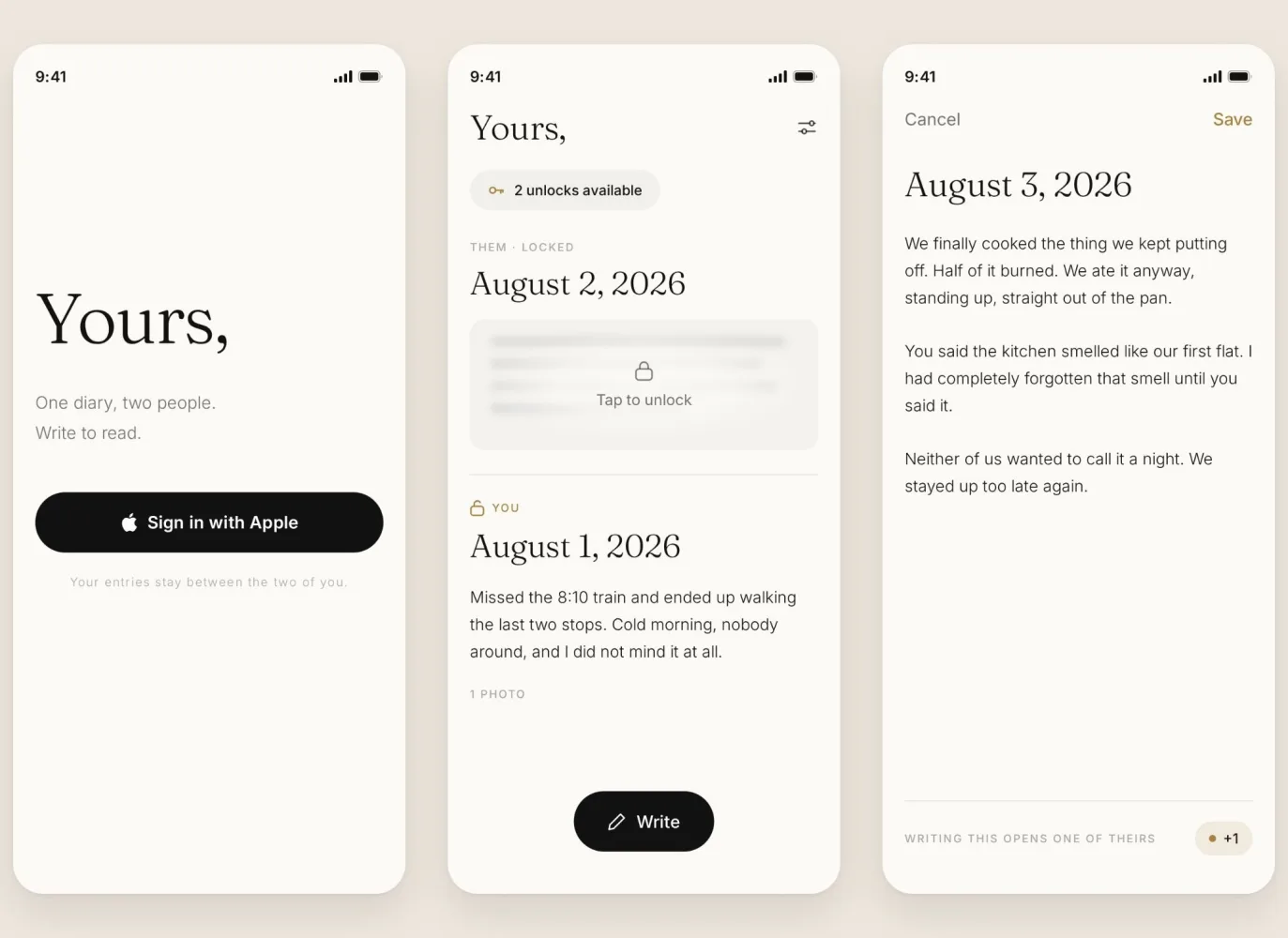
The app I ended up with. Your friend's entries stay frosted until you write your own.
The short answer
| Tool | What you get | In the App Store? |
|---|---|---|
| Lovable | A website | Only via another tool |
| Base44 | A website + store wrapper | Yes, wrapped ($50/mo) |
| v0 | A website | No |
| omg.dev + Claude + Expo | A real iPhone app | Yes, via TestFlight |
Lovable, Base44 and v0 are genuinely good. If you need a website, use them. But "build an app" and "build an iPhone app" turned out to be two different products, and only one of them goes on your home screen.
Checked in October 2026. These tools change fast, so the dates are below.
What I asked for
I gave every tool the same idea in plain words:
I want to build an iOS app for a shared diary, where users log in with Apple and then write to unlock each other's diary.
Lovable: "native iOS apps aren't supported here"
Lovable answered honestly, which I appreciated. It said native iOS apps aren't supported and offered a mobile-friendly web app instead, which you could save to your home screen or wrap for iOS later.
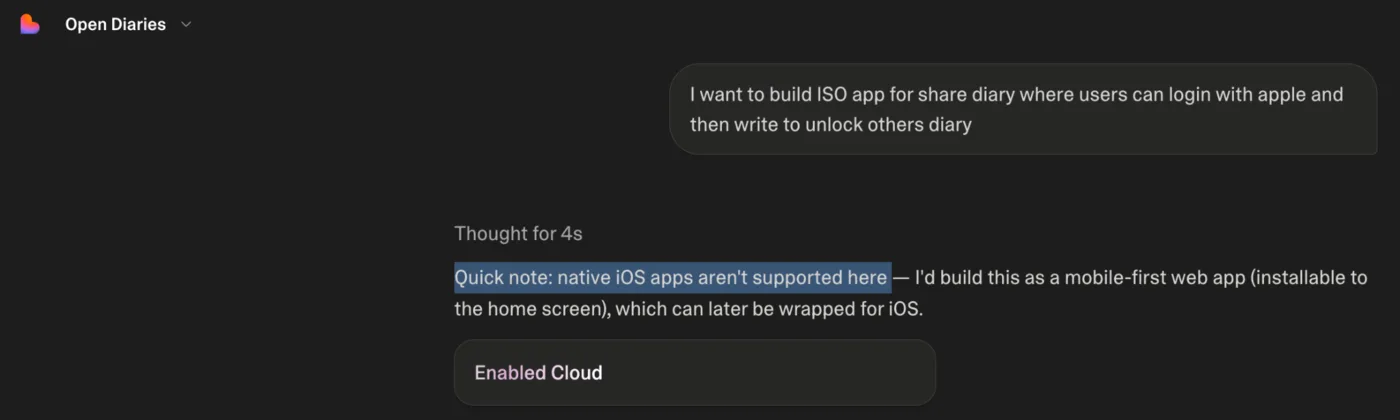
What's changed since: Lovable launched its own iPhone app in April 2026, so you can now build from your phone. What you build is still a website. Its own docs describe it as a web-only platform.
Base44: a web app first, a wrapper second
Base44 built a nice-looking web version in minutes, with the shared diary and the lock. To get it onto a phone, it pointed me to a wrapper: an iPhone app that is really a browser window showing the website.
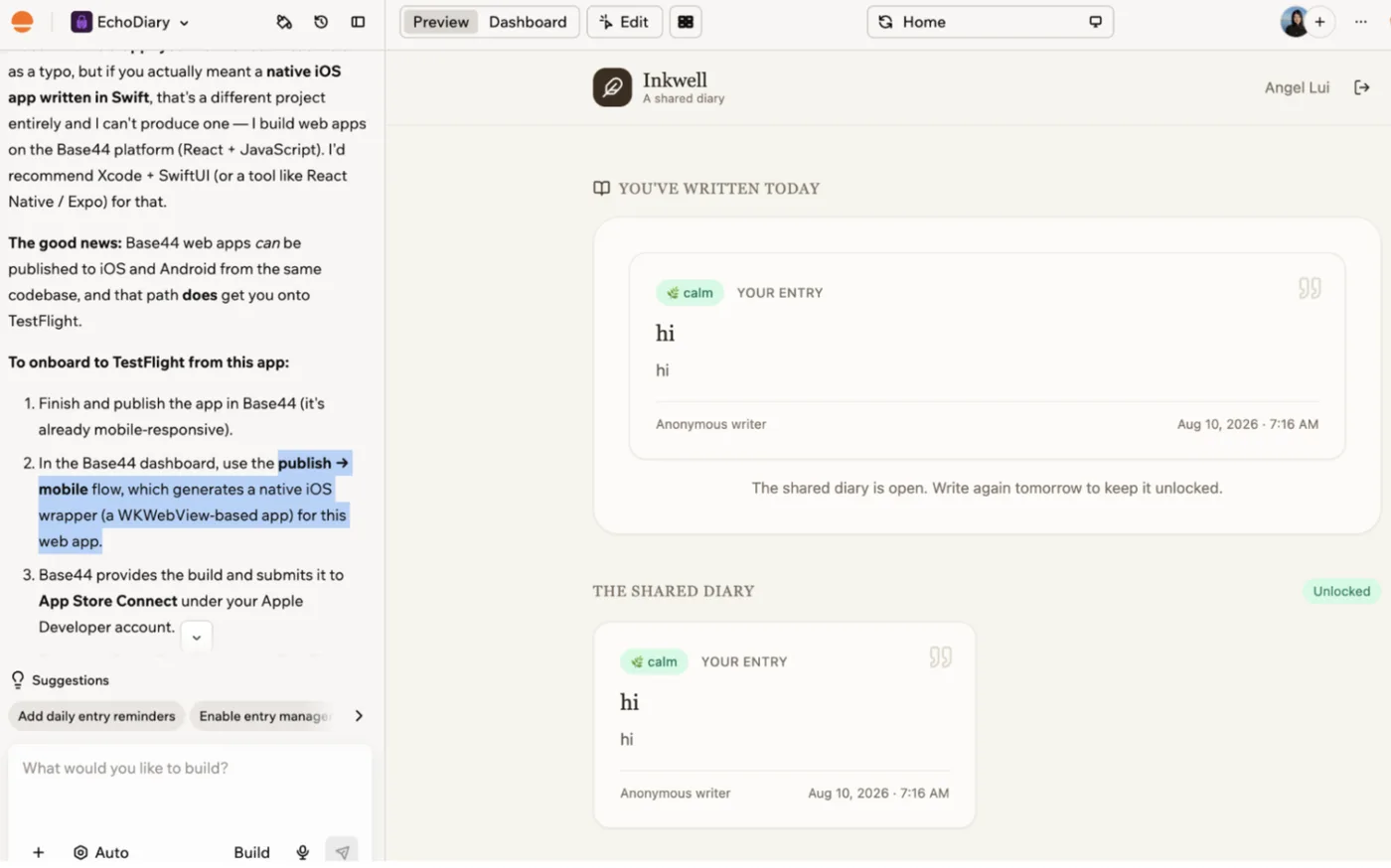
What's changed since: in February 2026 Base44 added App Store and Google Play packaging from the editor, on the Builder plan ($50 a month) or higher. It's still a wrapper around the web app. Base44 says push notifications, full offline mode and HealthKit aren't supported yet, and you upload the files to Apple yourself.
v0: a beautiful website
v0 made the prettiest first screen of the three: "Hello, You", a sealed envelope and a "Write today's entry" button. It also told me plainly that it builds web apps (Next.js), not native iOS.
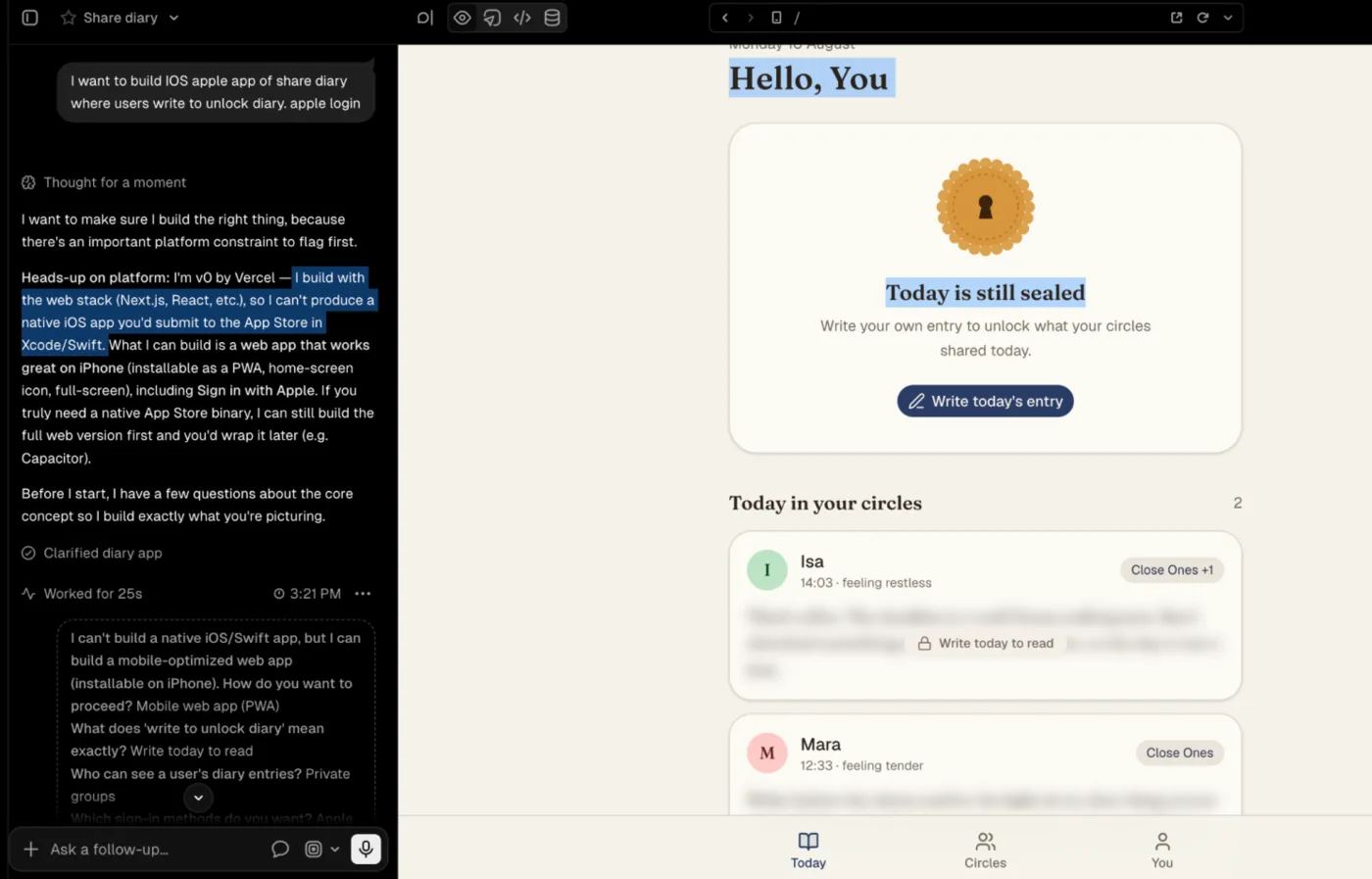
What's changed since: nothing on this point. v0 has an iPhone app for building, and it still produces websites.
Why "it looks like an app" wasn't enough
For a diary that is supposed to feel private and yours, a browser tab is the wrong body. A website in an app costume can't do the things that make a phone app feel like a phone app, like a real icon and notifications. And none of the three gave me a path to Apple's waiting room, TestFlight, where real people install your app before it's in the App Store.
What an iPhone app is actually made of
This is what nobody told me. A phone app has four parts:
- The factory. iPhone apps can only be built on a Mac. I don't own one, so I used Expo's EAS, which keeps Macs in a warehouse: you send the code, a Mac builds the app and hands it to TestFlight.
- The screens. I used React Native with Expo: one set of instructions that becomes a real iPhone app.
- The memory. A database is a shared notebook that every phone can reach. I used omg.dev, which comes with the database and the hosting, so I didn't need separate accounts for them.
- The doorman. Sign in with Apple: one tap, no passwords to leak.
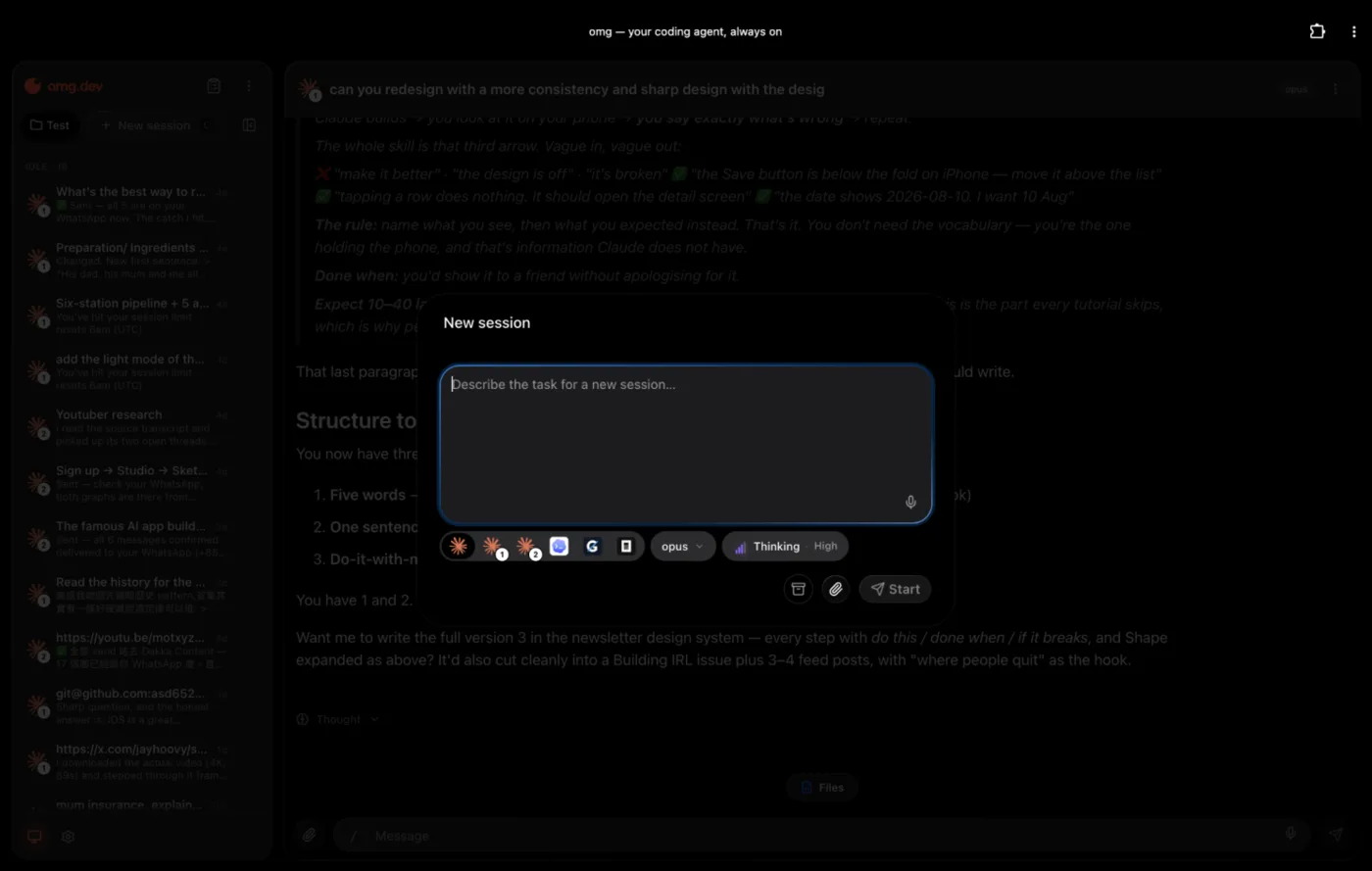
Claude wrote the code, working inside an omg.dev computer that already had my GitHub, Expo and Apple logins connected. Starting work is one box: pick the agent, describe the task.
What it cost
| Account | Price |
|---|---|
| Apple Developer | $99 a year (you need it even for your own phone) |
| Claude Pro | $20 a month |
| Expo | Free to start, then $19 a month |
| omg.dev | Free to try, plans from $19 a month |
The prompt that did most of the work
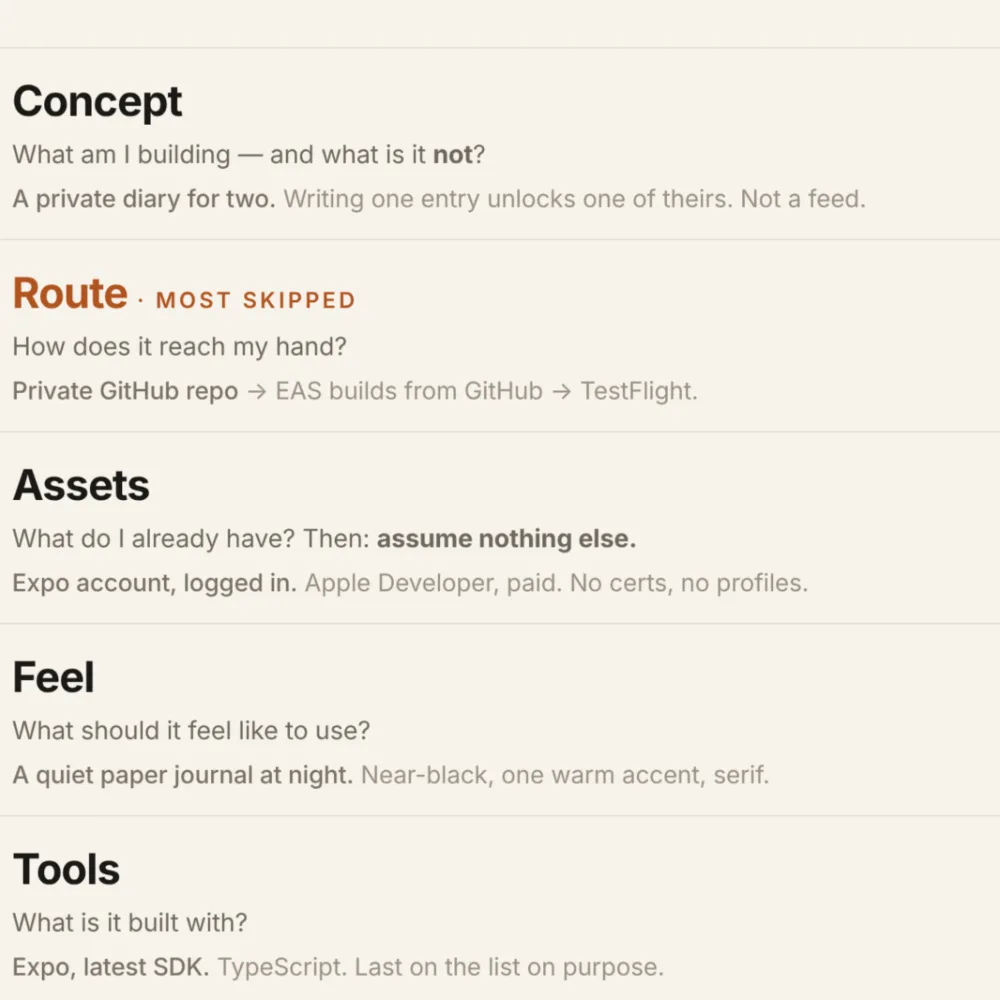
I used five questions before typing anything. I call them CRAFT:
- Concept: what am I building, and what is it not? A private diary for two. Writing one entry unlocks one of theirs. Not a feed.
- Route: how does it reach my phone? Private GitHub repo, EAS builds from GitHub, then TestFlight.
- Assets: what do I already have? Expo account, logged in. Apple Developer, paid.
- Feel: what should it feel like? A quiet paper journal at night.
- Tools: what is it built with? Expo, latest version.
My actual first prompt, Saturday 11:51am:
Diary-share iOS app for me and my friend. We write a diary to unlock others' diary to encourage writing. Push it to a private GitHub repo and build from there. Expo logged in as xxx. Apple Developer account logged in as xxx. See the design reference and use Claude design.
Five minutes later I had a design I liked. At 2am I wrote a second, longer prompt: about 60 lines covering the unlock rule, every screen, the data and what "finished" meant. The app was scaffolded nine minutes later.
The lesson: time spent making the request precise beats time spent watching the build. Questions are cheap before you start and expensive at 2am on build number five.
What went wrong (so you can skip it)
- Builds 1 to 4 arrived empty. The build Mac couldn't read my code. The fix was to put the code on GitHub and give EAS the address instead of uploading it.
- "Sign In with Apple: Disabled." You have to switch the capability on in your Apple Developer account.
- Apple wants you to log in from the terminal once. If you've never used a terminal, ask the AI to walk you through it step by step. It's one command.
Monday, 3:58am, the TestFlight link arrived, 28 hours after my first prompt. It felt like magic.
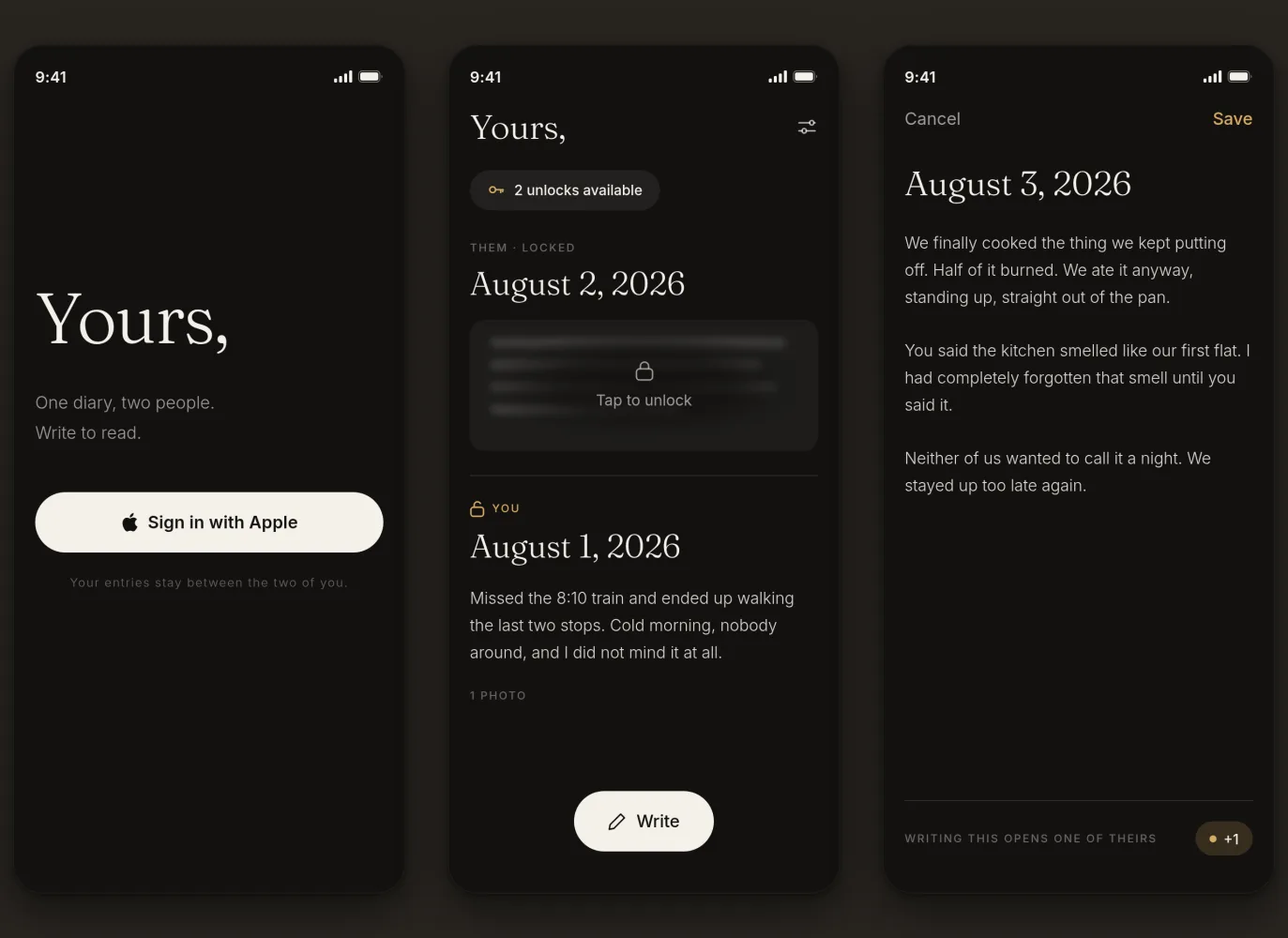
The same app at night. Writing an entry earns you one unlock.
Which one should you use?
- You need a website or a web app: Lovable, Base44 or v0 are excellent and faster to start.
- You need it in the App Store but a wrapped website is fine: Base44's store packaging is the shortest path.
- You want a real iPhone app that feels like one: you need a native build. That's what I used Claude, Expo and omg.dev for. omg.dev plans now include iOS and Android apps, so you can start there.
Frequently asked questions
Can Lovable build a native iPhone app?
No. As of October 2026, Lovable publishes web apps only. It has its own iPhone app for building, but what you build is still a website. To get into the App Store you have to wrap it with another tool.
Can Base44 publish to the App Store?
Yes, since February 2026, on the Builder plan or higher. The iPhone version is a wrapper around your web app, and features like push notifications and HealthKit aren't supported yet. You upload it to Apple yourself.
Does v0 make iPhone apps?
No. v0 makes websites (Next.js and React). Its iPhone app is for building and checking those websites from your phone.
Do I need a Mac to build an iPhone app?
No. A cloud build service such as Expo's EAS builds the app on its own Macs and sends it to TestFlight for you.
How much does it cost to put an app on my iPhone?
Apple charges $99 a year for a developer account, and you need one even to install the app on your own phone. Everything else in my setup had a free start.